Workflow spotlight / prompting guidance

AI motion transfer: keep the performance, change the scene

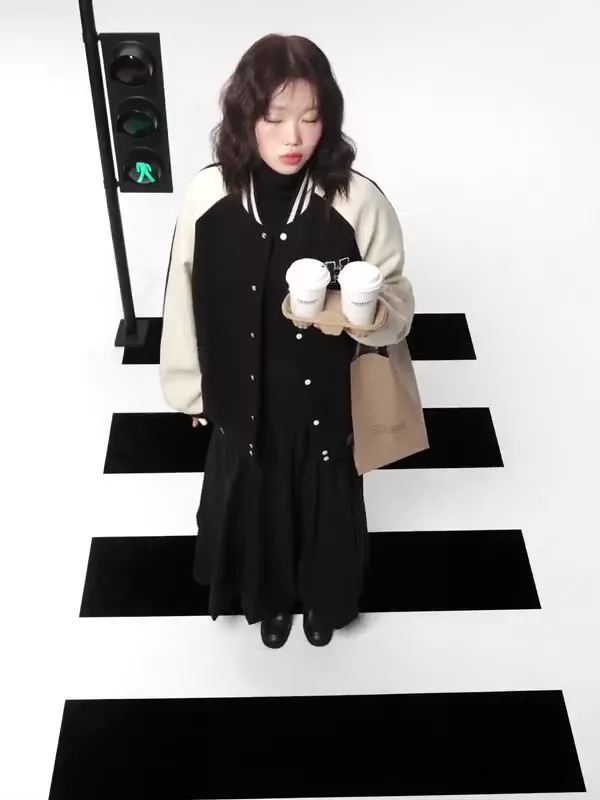
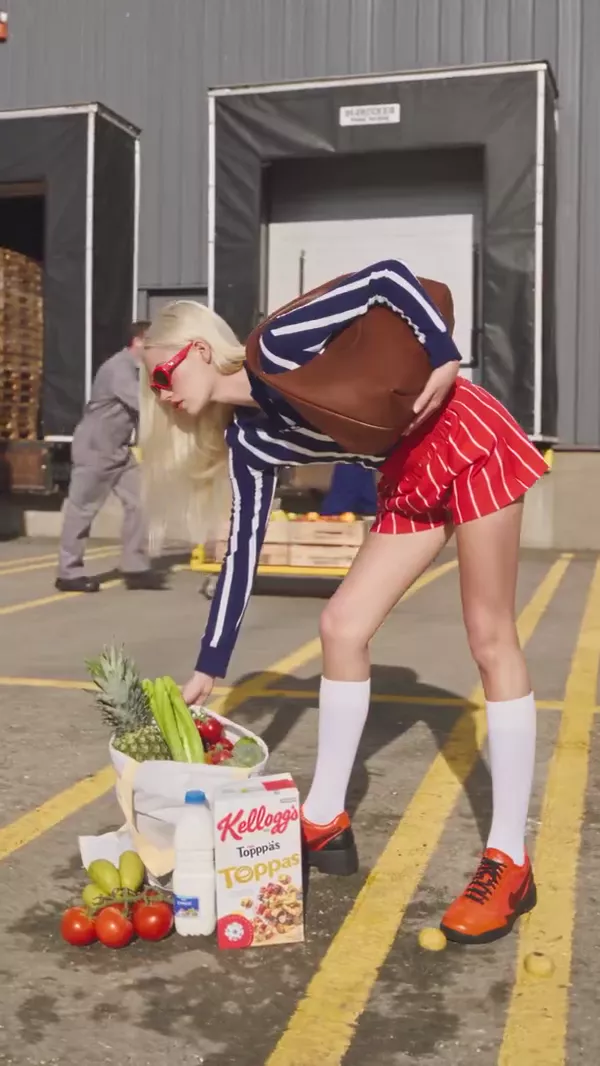
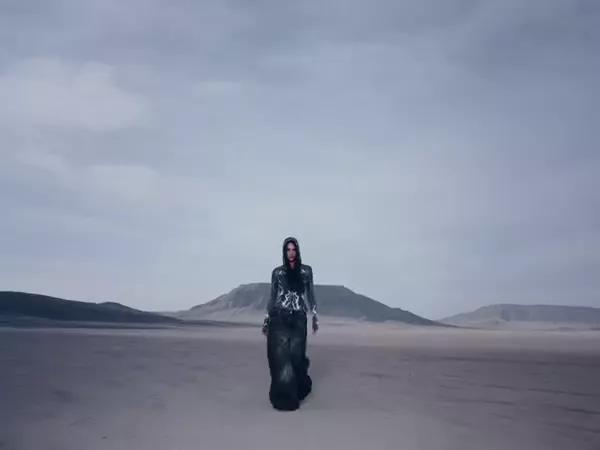
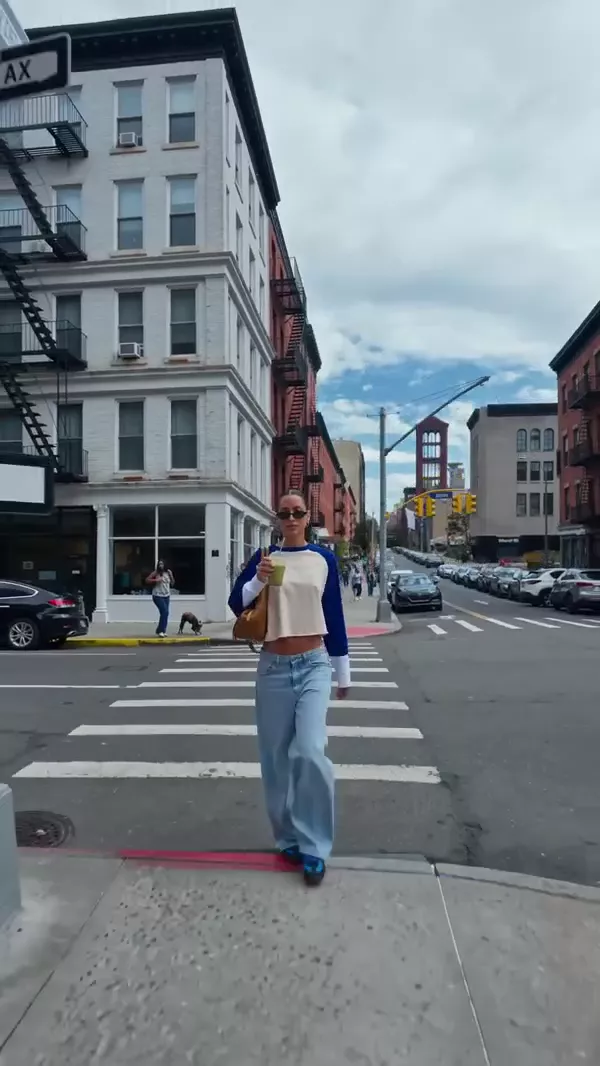
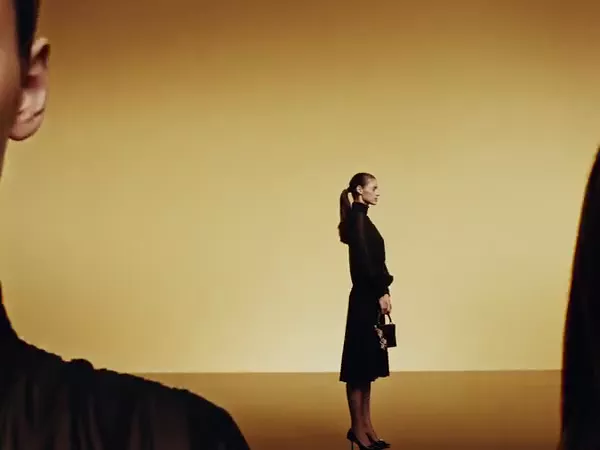
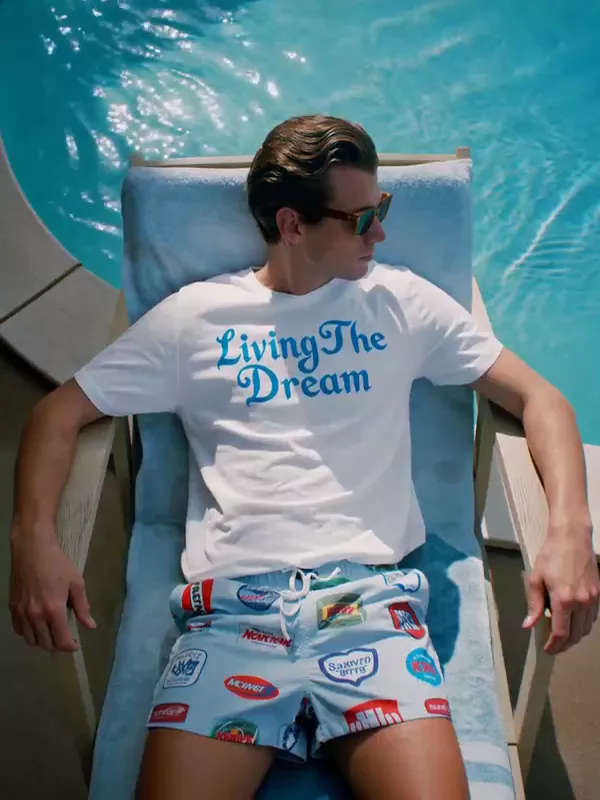
Motion transfer starts with a source performance and transforms its visual presentation. Genjutsu is a workflow candidate; a reference-led generation model is a different route when you need more interpretation. We have not measured frame-level motion preservation.

Last verified 2026-10-07 · Editorial verdict
Open Genjutsu workflow

Affiliate link: we may earn a commission if you subscribe. Your model choice comes first. How links work

Editorial shortlist / in workflow order

The models behind the workflow.

01

Genjutsu

Motion-preserving video transformation. Use Genjutsu when an existing performance is the starting point. Preserving a source motion is a different task from asking a text-to-video model to invent the movement.

See capabilities
02

Seedance 2.5

Reference-led stories and selective edits. The strongest capability fit in this shortlist for a reference-heavy brief or a clip longer than 15 seconds. Thirty-second output and editing are documented; consistency still needs human inspection.

See capabilities
03

Cinema Studio 4.0

Camera, lighting and pacing direction. Choose this workflow when direction controls are the main requirement. It exposes camera, lens, aperture, era, pacing, lighting and palette settings; those are useful knobs, not a measured cinematography score.

See capabilities

Ordering reflects editorial workflow fit, not an original quality benchmark or paid placement.

The reason behind the choice

Why this approach makes sense.

Reusing an approved performance can make blocking more intentional. It still needs a frame-by-frame check for anatomy, contact points and timing.

Observed signal / not a growth metric

Motion-control/transform tools and reference-video integrations; quantitative trend growth not verified.

First-seen date and adoption rate: not verified.

A repeatable path

From brief to output.

  1. Use a short performance clip with a clear subject and rights to transform it.
  2. Choose a character or setting reference consistent with the source perspective.
  3. Specify what changes and which motion, camera path and timing should remain fixed.
  4. Inspect occlusions, hands, feet and contact points across the transformed clip.
  5. Finish audio and color in an editor; keep the source and settings for repeatability.
Prompting guidance / untested

A concrete starting brief.

Preserve the source actor’s movement, timing and camera path. Transform only the location into a quiet moonlit courtyard. Keep body proportions and foot contact consistent. No added cuts.

Suggested settings: use the aspect ratio required by delivery, the shortest valid duration for the scene, and the exact reference roles exposed in the model picker. No unverified preset or credit estimate is implied.

Continue the decision.

Common questions / direct answers

Before you choose.

Have you tested this exact prompt?

No. This is clearly labeled prompting guidance, grounded in the cited input controls. Generated benchmark outputs will be shown only with complete settings and provenance.

Sources and verification.

Start with one clear brief.

Verify the current model, variant and credit estimate before generating.

Open Genjutsu workflow

Affiliate link: we may earn a commission if you subscribe. Your model choice comes first. How links work