 Official example
Task-first / editorial shortlist
Best AI models for image-to-video
Start with Kling 3.0 Turbo to animate one image. Choose Kling 3.0 for end-frame/audio controls or Seedance 2.5 for references and edits.
Last verified 2026-10-07
· Editorial verdict
Start your brief with Kling 3.0 Turbo
Affiliate link: we may earn a commission if you subscribe. Your model choice comes first. How links work
Official example  Official example
 Official example
Ordered by editorial workflow fit. What we did not test
Who should pick what?
Pick the route that fits.
Pick Kling 3.0 Turbo if…
you want to animate one starting image.
See the controls ↗Pick Kling 3.0 if…
you need an end frame and native sound.
See the controls ↗Pick Seedance 2.5 if…
you need selective edits or more reference inputs.
See the controls ↗A good still is the anchor, not proof that every frame will preserve the same geometry. Avoid asking for a new face, a scene change and complex camera motion in the first run.
From brief to output.
- Kling 3.0 Turbo
Start with a clean image at your delivery aspect ratio.
- Kling 3.0 Turbo
Describe what moves and what must stay fixed.
- Kling 3.0 Turbo
Use the smallest camera move that tells the story.
- Review / finish
Inspect edges, hands and product details across the entire clip.
Starting brief
A concrete starting brief.
Animate this product image: a subtle quarter-turn camera orbit, soft studio highlights moving across the bottle. Keep the bottle, label spelling and cap geometry unchanged.
Use your delivery ratio, a short supported duration and the input roles exposed by your route.
Continue the decision.
Official example Official example Choose your edge
Kling 3.0 Turbo vs Kling 3.0
Turbo for one-frame drafts. Standard for multi-shot scenes and sound.
Single-frame draft: Kling 3.0 Turbo Shot and sound controls: Kling 3.0
Find your winner Official example  Official example
Choose your edge
Kling 3.0 vs Veo 3.1
Kling for multi-shot stories. Veo for short scenes with native sound.
Multi-shot direction: Kling 3.0 Short sound-led scene: Veo 3.1
Find your winner 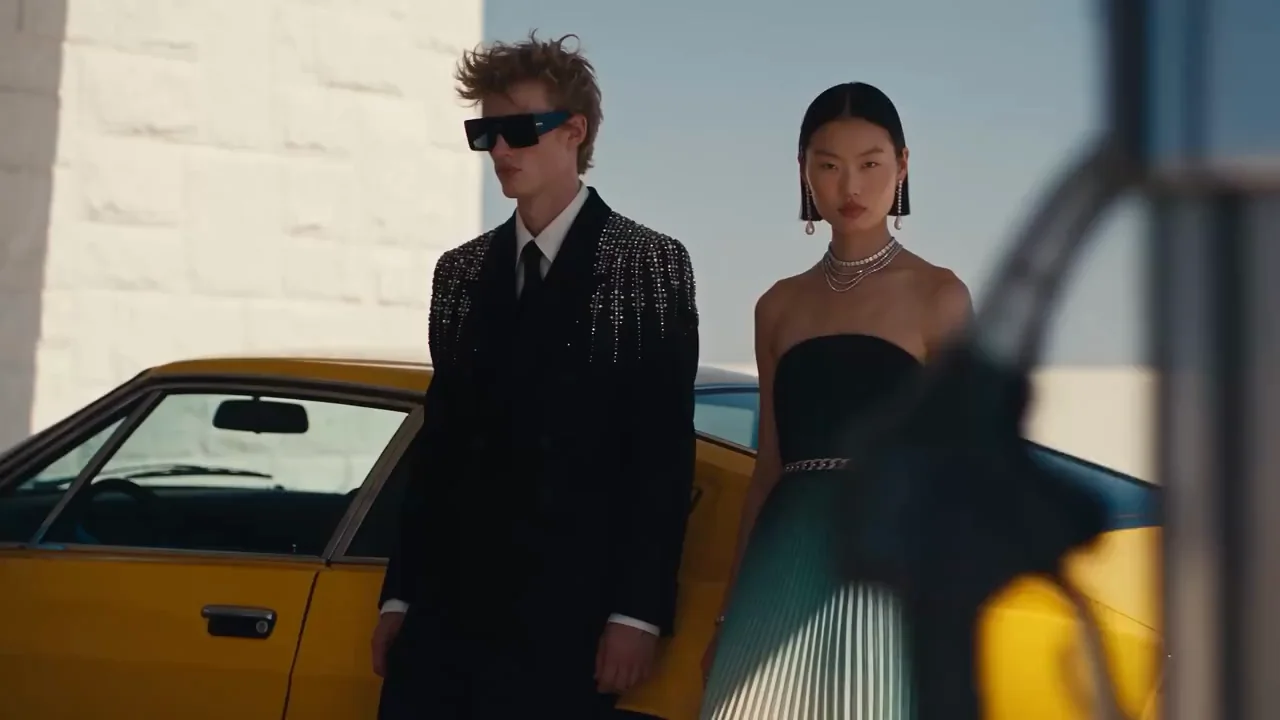 Official example Official example
Choose your edge
Your constraintsFind a model for your exact brief
Seedance 2.0 vs Seedance 2.5
2.0 for its 4K option. 2.5 for longer clips and edits.
Exposed 4K option: Seedance 2.0 Longer generation and edits: Seedance 2.5 Reference-led work: Seedance 2.5
Find your winner Related guides.
Before you choose.
Does a start image guarantee product or face consistency?
No. It provides an input anchor, not a measured identity guarantee. Our guidance is to begin with one small action and inspect shape, face and wardrobe through the whole clip.
What if I need both a start and an end frame?
Check the individual integration roles rather than assuming every image-to-video model supports both. Kling 3.0 and Veo 3.1 expose start/end images in the dated catalog; inspect their own capability tables.
Are these recommendations based on original matched benchmarks?
Not at launch. These are editorial workflow choices based on cited, dated capabilities. Published original tests require the files, exact settings and provenance; no measured overall winner is claimed.
Which Higgsfield subscription includes these choices?
Starter advertises selected models; Plus and Ultra advertise broader access with rolling-release caveats. Exact variant entitlements are not verified here. Inspect the model lock and checkout before paying.
Sources
- Higgsfield MCP video catalog, exported 7 October 2026 2026-10-07
Higgsfield integration; owner-supplied export
- Kuaishou: Kling AI 3.0 release 2026-10-07
provider documentation
- Higgsfield: public plan/credit table, Italy EUR 2026-10-07
Logged-out browser; regional prices and promotions vary
- ByteDance: Seedance 2.5 2026-10-07
provider documentation
- xAI: Grok Imagine Video 1.5 Preview 2026-10-07
provider documentation
Start with one clear brief.
Start with one subject and one action.
Create your first draft with Kling 3.0 Turbo
Affiliate link: we may earn a commission if you subscribe. Your model choice comes first. How links work