One clear hook
A single transformation gives a short clip a concrete focal point.
Find a visual hook for your next clip. Browse official Higgsfield effect previews, choose a transition or product reveal, then build the scene around that one beat.
Affiliate link: we may earn a commission if you subscribe. Your model choice comes first. How links work
 Official preset · Floating fall
 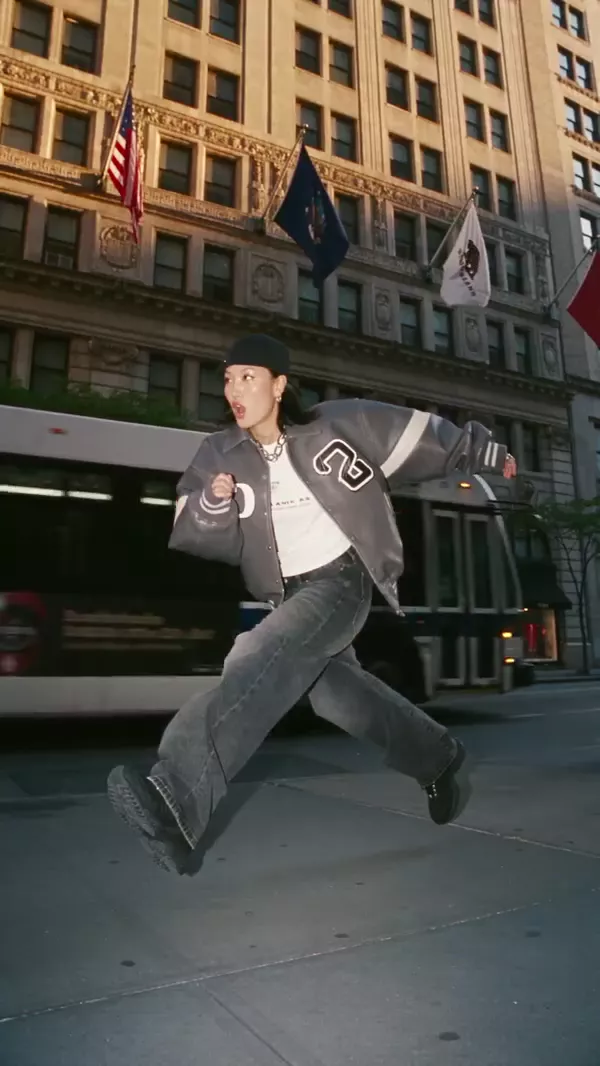 Official preset · Frozen in motion
 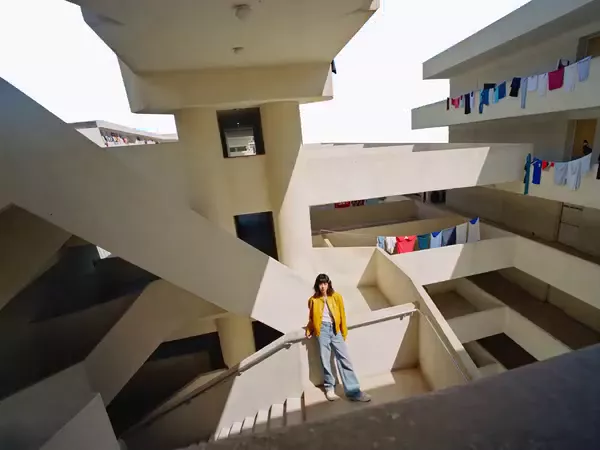 Official preset · Cutout
 Product-ad production around assets and hooks. Our first workflow pick for assembling a product-ad brief, because asset, product, avatar and hook controls are exposed. No claim about ad performance or conversion lift is implied.
Motion-preserving video transformation. Use Genjutsu when an existing performance is the starting point. Preserving a source motion is a different task from asking a text-to-video model to invent the movement.
Ordering reflects editorial workflow fit, not an original quality benchmark or paid placement.
A single transformation gives a short clip a concrete focal point.
See the official preset’s visual idea before writing your scene.
Plan a setup, transformation and payoff around the chosen effect.
Choose one visual concept and one setting.
Check the named preset or model and current credits on Higgsfield.
Review the output before publishing.
An original fictional creator in an ordinary setting, with one impossible material and a candid smartphone camera style.
Suggested settings: use the aspect ratio required by delivery, the shortest valid duration for the scene, and the exact reference roles exposed in the model picker. No unverified preset or credit estimate is implied.
Official Higgsfield presets, not original tests or model-attributed benchmarks. Choose an effect in the linked official gallery; the export does not provide a verified per-preset deep link. Access and credits depend on the current plan.
88 official previews
Official Higgsfield preview · Floating fall
Falls backward as their belongings float in midair, with the camera moving through crisp product close-ups before the fall resumes. Built for playful product reveals, dynamic lifestyle ads, and surreal slow-motion edits.
Best for: playful product reveals, dynamic lifestyle ads, and surreal slow-motion edits.
Use this effect ↗Affiliate link · Select “Floating fall” in the official gallery. Source

Official Higgsfield preview · Vanish
The subject's body instantly disappears, leaving their empty clothing to suddenly collapse and fall flat onto the ground. Built for viral hooks, comedic reveals, and surreal visual effects.
Best for: viral hooks, comedic reveals, and surreal visual effects.
Use this effect ↗Affiliate link · Select “Vanish” in the official gallery. Source
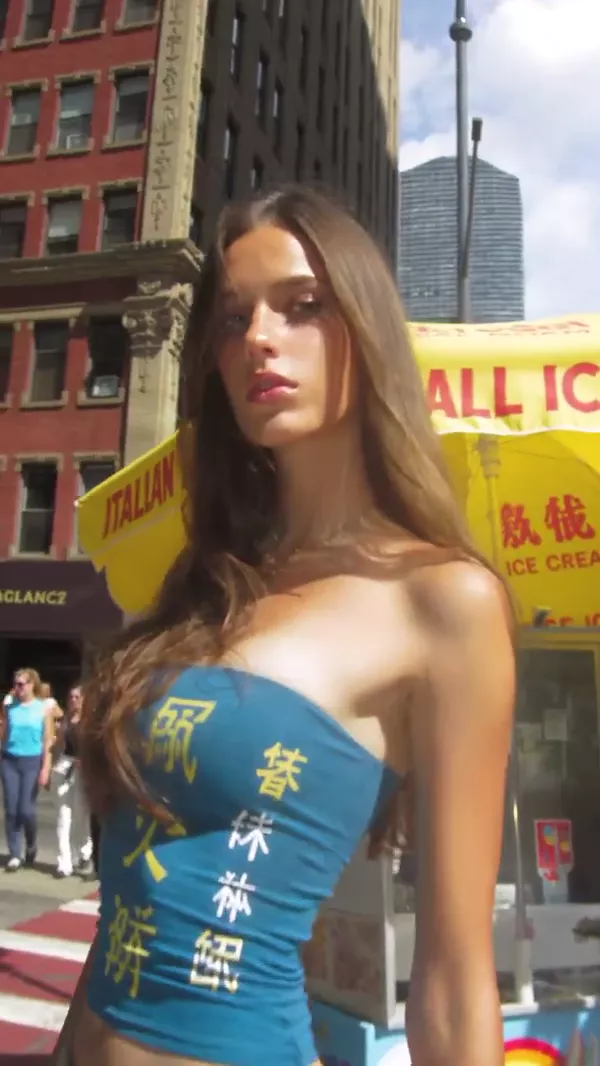
Official Higgsfield preview · Eyes in
The camera dives directly into the subject's eye, seamlessly passing through the dark void of the pupil to transport the viewer into an entirely new scene. Built for surreal narratives, psychological aesthetics, and mesmerizing visual flow.
Best for: surreal narratives, psychological aesthetics, and mesmerizing visual flow.
Use this effect ↗Affiliate link · Select “Eyes in” in the official gallery. Source
Official Higgsfield preview · Cutout
The surroundings break apart into floating cutout layers, revealing a clean white void around the subject before snapping back into place. Built for surreal fashion edits, mixed-media visuals, and playful architectural transitions.
Best for: surreal fashion edits, mixed-media visuals, and playful architectural transitions.
Use this effect ↗Affiliate link · Select “Cutout” in the official gallery. Source
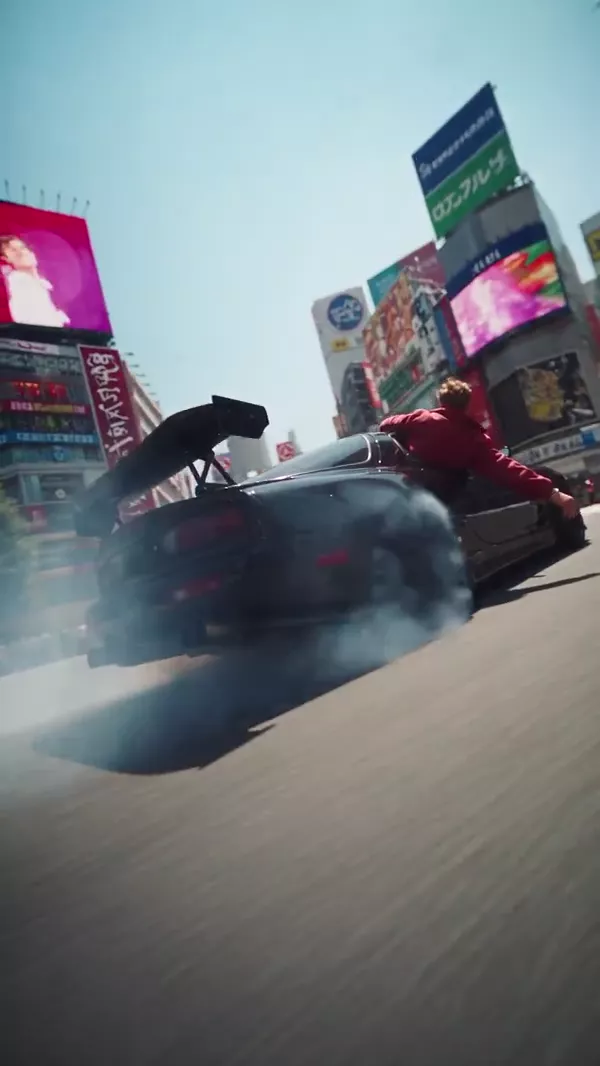
Official Higgsfield preview · Wild ride
A high-speed, dynamic camera orbit that aggressively sweeps around a rapidly spinning or drifting subject. The camera executes precise, controlled movements, smoothly shifting from high overhead angles to low ground-level perspectives while keeping the central action perfectly locked in frame. Built for action sequences, automotive edits, and high-energy music videos.
Best for: action sequences, automotive edits, and high-energy music videos.
Use this effect ↗Affiliate link · Select “Wild ride” in the official gallery. Source
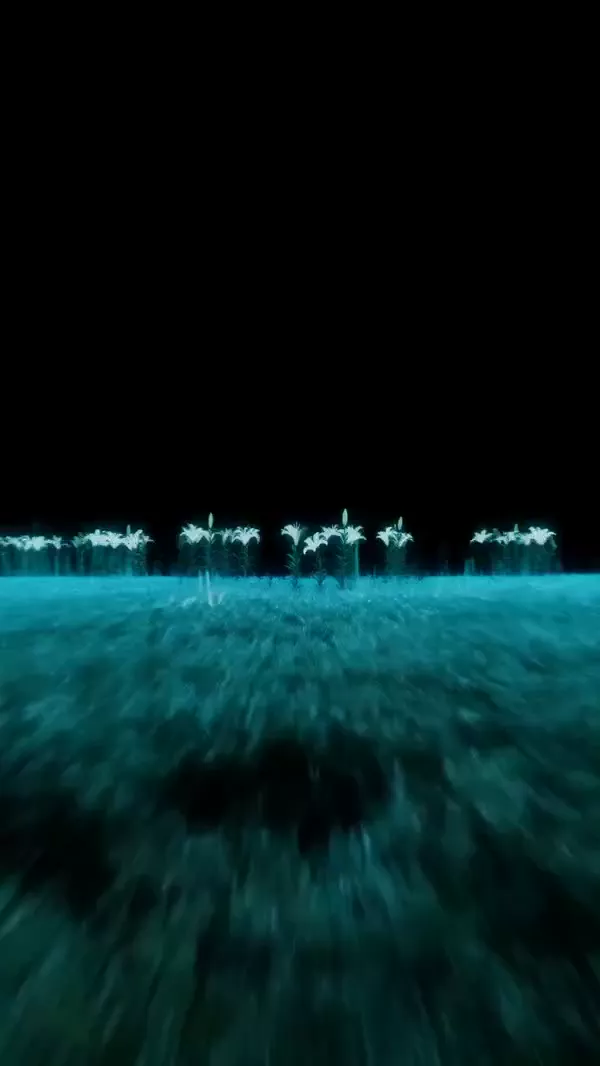
Official Higgsfield preview · Lidar transition
The world tilts around the subject, sending loose objects sliding and tumbling past while they remain calmly in place. Built for surreal fashion edits, playful gravity distortions, and offbeat music videos.
Best for: surreal fashion edits, playful gravity distortions, and offbeat music videos.
Use this effect ↗Affiliate link · Select “Lidar transition” in the official gallery. Source

Official Higgsfield preview · Smash and grab
The camera frames the product through a car window as the subject shatters the glass and snatches it, then cuts to a fast tracking shot of their getaway. Built for bold product reveals, playful action edits, and dynamic lifestyle ads.
Best for: bold product reveals, playful action edits, and dynamic lifestyle ads.
Use this effect ↗Affiliate link · Select “Smash and grab” in the official gallery. Source
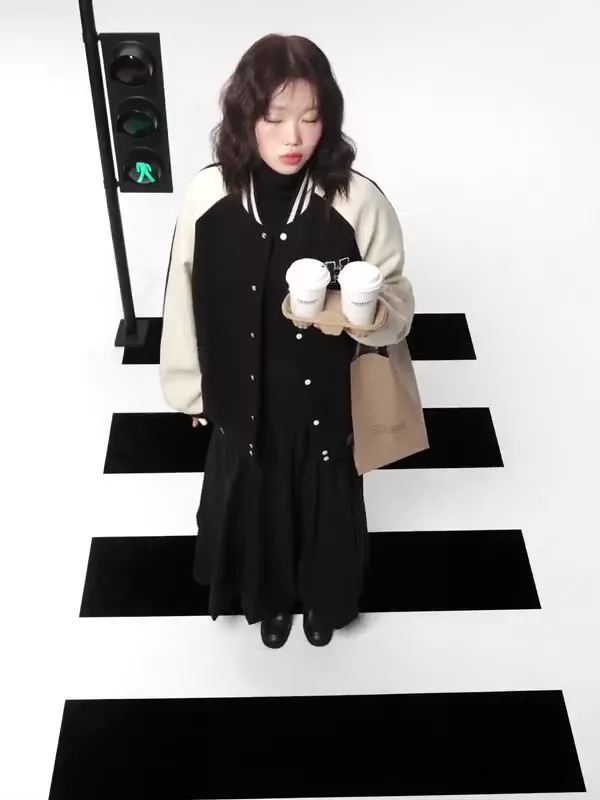
Official Higgsfield preview · Incline
The world tilts around the subject, sending loose objects sliding and tumbling past while they remain calmly in place. Built for surreal fashion edits, playful gravity distortions, and offbeat music videos.
Best for: surreal fashion edits, playful gravity distortions, and offbeat music videos.
Use this effect ↗Affiliate link · Select “Incline” in the official gallery. Source
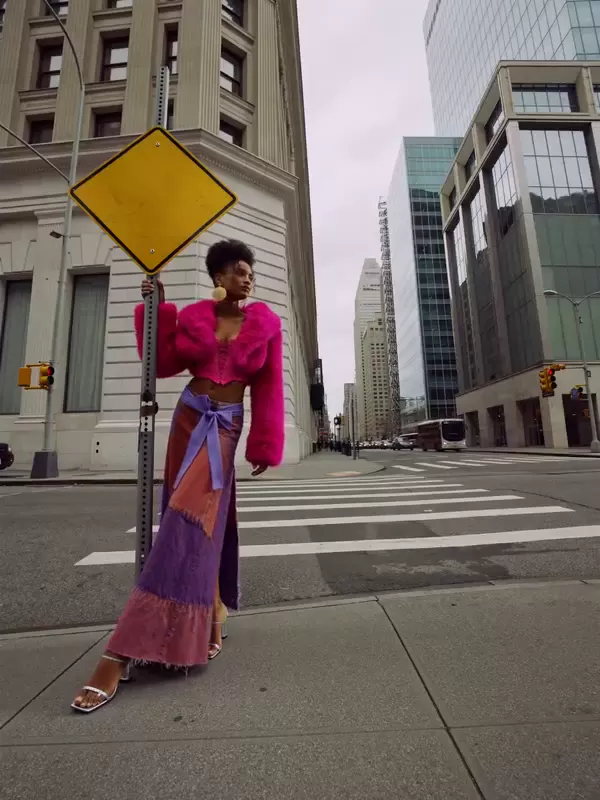
Official Higgsfield preview · Clones
Identical clones appear throughout the scene, mirroring the subject's movements as the original steps toward the camera. Built for surreal fashion edits, synchronized performances, and playful music videos.
Best for: surreal fashion edits, synchronized performances, and playful music videos.
Use this effect ↗Affiliate link · Select “Clones” in the official gallery. Source
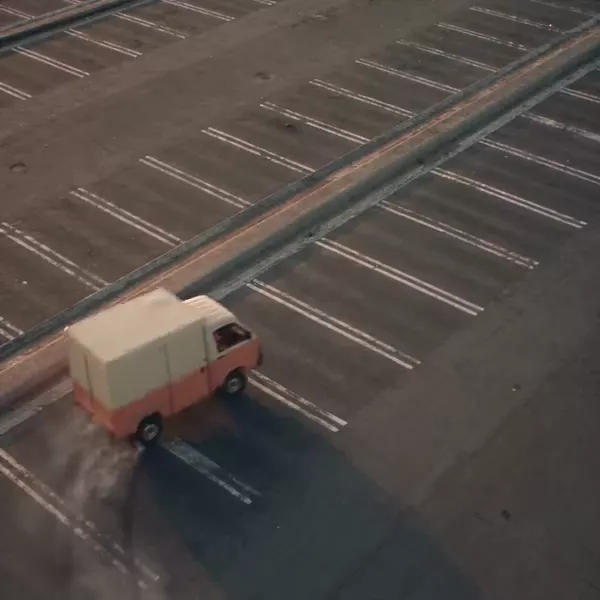
Official Higgsfield preview · Infinite clones
A static wide-angle shot where a person and their identical clones continuously get out of a small car and run away in all directions. Built for surreal effects, comedy, and music videos.
Best for: surreal effects, comedy, and music videos.
Use this effect ↗Affiliate link · Select “Infinite clones” in the official gallery. Source
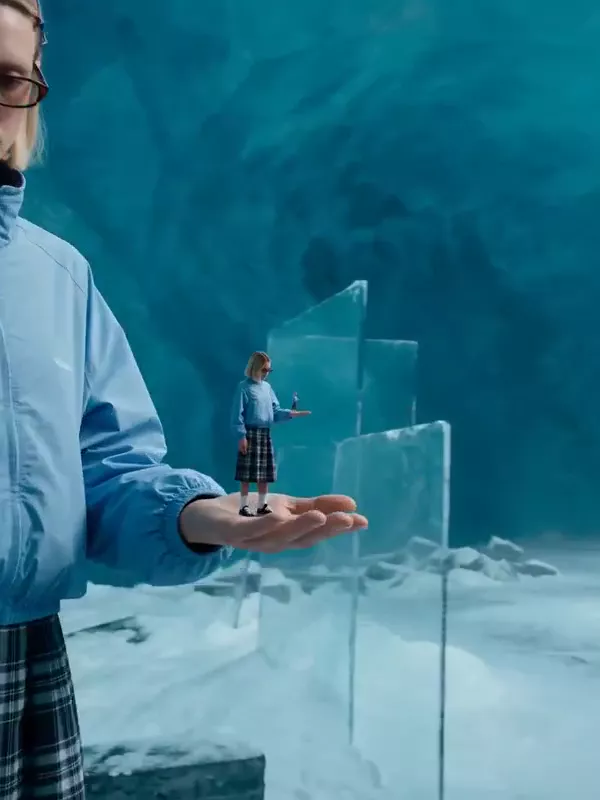
Official Higgsfield preview · Selfception
Endless versions of the subject repeat inside one another as the camera continuously zooms into the miniature figure held in their hands. Built for recursive illusions, seamless zoom loops, and mind-bending character edits.
Best for: recursive illusions, seamless zoom loops, and mind-bending character edits.
Use this effect ↗Affiliate link · Select “Selfception” in the official gallery. Source
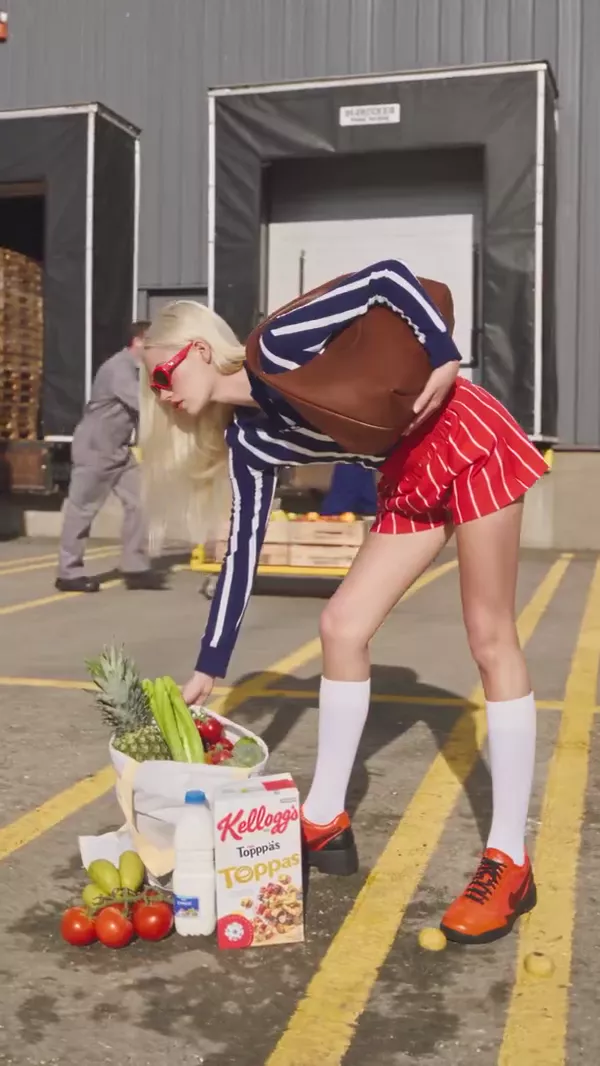
Official Higgsfield preview · Act natural
A cinematic time-manipulation effect that completely suspends your subject and surrounding objects mid-action while the rest of the world continues to move in real-time. Built for surreal visual storytelling, dramatic pauses, and scroll-stopping creative edits.
Best for: surreal visual storytelling, dramatic pauses, and scroll-stopping creative edits.
Use this effect ↗Affiliate link · Select “Act natural” in the official gallery. Source
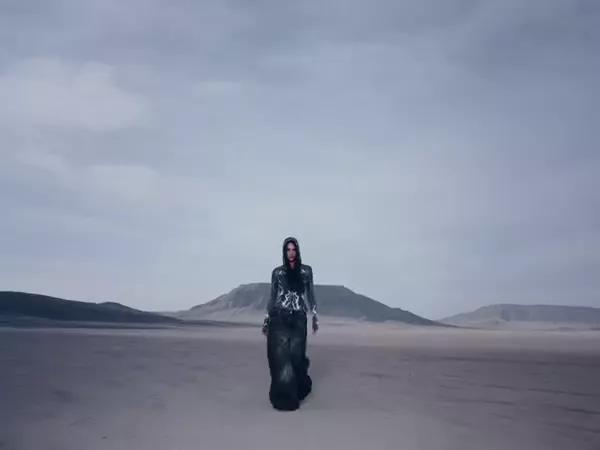
Official Higgsfield preview · Monster dab
A colossal fantasy creature drops from the sky behind the subject, seamlessly matching their visual style. Built for cinematic creature reveals, dark fantasy scenes, and dramatic character moments.
Best for: cinematic creature reveals, dark fantasy scenes, and dramatic character moments.
Use this effect ↗Affiliate link · Select “Monster dab” in the official gallery. Source
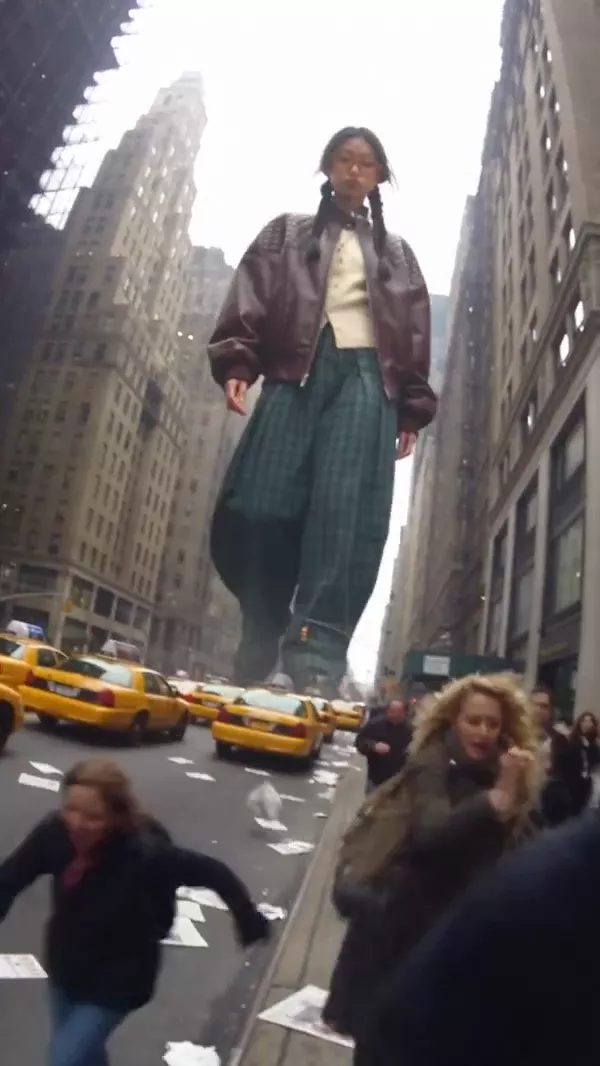
Official Higgsfield preview · Street colossus
A cinematic scale-shifting effect that transforms you into a towering giant seamlessly integrated into a sprawling cityscape. Built for surreal urban edits, colossal creature aesthetics storytelling, and epic visual impact.
Best for: surreal urban edits, colossal creature aesthetics storytelling, and epic visual impact.
Use this effect ↗Affiliate link · Select “Street colossus” in the official gallery. Source
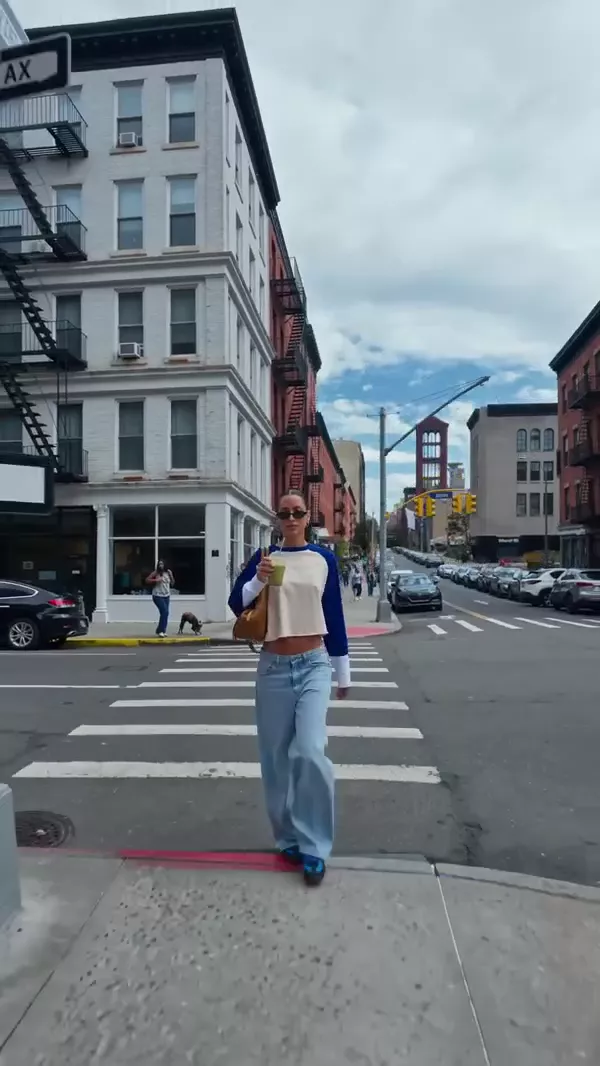
Official Higgsfield preview · World morphing
The entire background environment lifts and folds inward around a stationary central subject, dramatically morphing the landscape into a massive, gravity-defying enclosure. Built for surreal visual effects and mind-bending scene shifts.
Best for: surreal visual effects and mind-bending scene shifts.
Use this effect ↗Affiliate link · Select “World morphing” in the official gallery. Source
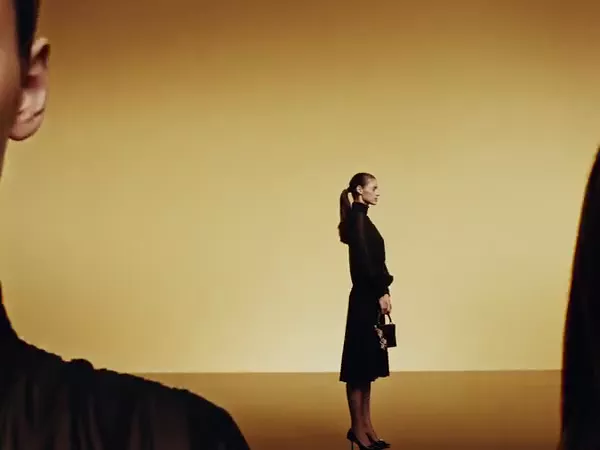
Official Higgsfield preview · Studio slide
Multiple copies of a single person appear simultaneously at varying scales, angles, and depths within the same frame. The figures smoothly slide past one another, creating a dynamic 3D layering effect against a solid background. Built for fashion reels, lookbooks, and stylized edits.
Best for: fashion reels, lookbooks, and stylized edits.
Use this effect ↗Affiliate link · Select “Studio slide” in the official gallery. Source

Official Higgsfield preview · High flip
The camera rises above the subject and flips overhead, seamlessly revealing a new character and location on the other side. Built for cinematic scene switches, dramatic character reveals, and fluid music video transitions.
Best for: cinematic scene switches, dramatic character reveals, and fluid music video transitions.
Use this effect ↗Affiliate link · Select “High flip” in the official gallery. Source

Official Higgsfield preview · Lacewalker
A miniature version of the subject strolls past their giant counterpart before balancing on a thin strap stretched between oversized handbags. Built for playful scale illusions, surreal fashion campaigns, and imaginative product showcases.
Best for: playful scale illusions, surreal fashion campaigns, and imaginative product showcases.
Use this effect ↗Affiliate link · Select “Lacewalker” in the official gallery. Source

Official Higgsfield preview · Burning man
A flaming double appears before the subject and reaches out for a handshake, bringing them face-to-face with their burning counterpart. Built for surreal character reveals, cinematic music videos, and dramatic visual storytelling.
Best for: surreal character reveals, cinematic music videos, and dramatic visual storytelling.
Use this effect ↗Affiliate link · Select “Burning man” in the official gallery. Source
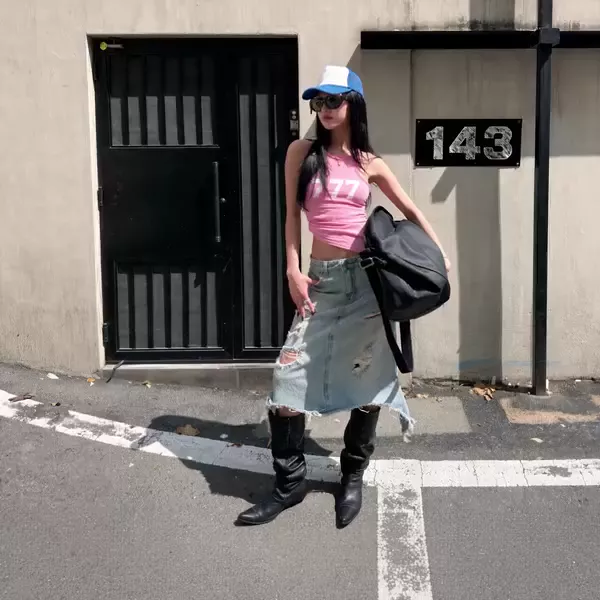
Official Higgsfield preview · Melting
The subject slowly melts into a glossy puddle, with their clothing and accessories stretching into liquid trails before pooling on the ground. Built for surreal transformations, experimental fashion edits, and playful disappearing acts.
Best for: surreal transformations, experimental fashion edits, and playful disappearing acts.
Use this effect ↗Affiliate link · Select “Melting” in the official gallery. Source
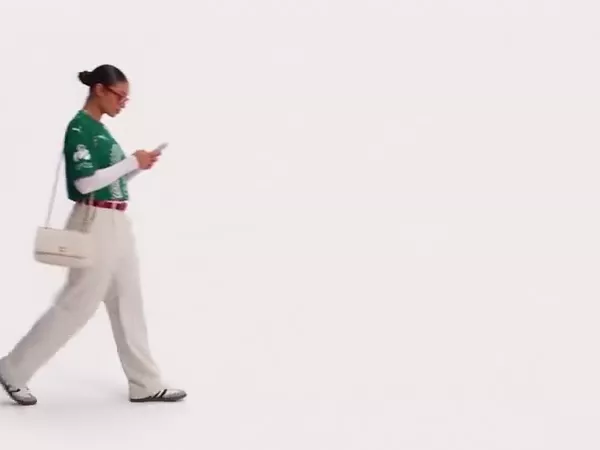
Official Higgsfield preview · boarding pass
A dynamic travel transition that turns your walk into a global runway, seamlessly changing your outfit and scenic backdrop with every giant flight ticket you cross. Built for travel vlogs, fashion lookbooks, and stylish lifestyle edits.
Best for: travel vlogs, fashion lookbooks, and stylish lifestyle edits.
Use this effect ↗Affiliate link · Select “boarding pass” in the official gallery. Source
Official Higgsfield preview · Frozen in motion
The subject freezes in midair while pedestrians and traffic continue moving naturally around them. Built for surreal street scenes, striking fashion edits, and cinematic moments suspended in time.
Best for: surreal street scenes, striking fashion edits, and cinematic moments suspended in time.
Use this effect ↗Affiliate link · Select “Frozen in motion” in the official gallery. Source

Official Higgsfield preview · Architecture wave
A massive architectural reality warp. While the subject moves naturally in the foreground, towering buildings behind them bend, fold, and ripple as if made of liquid. Built for surreal city scenes, cinematic scale reveals, and mind-bending transitions.
Best for: surreal city scenes, cinematic scale reveals, and mind-bending transitions.
Use this effect ↗Affiliate link · Select “Architecture wave” in the official gallery. Source
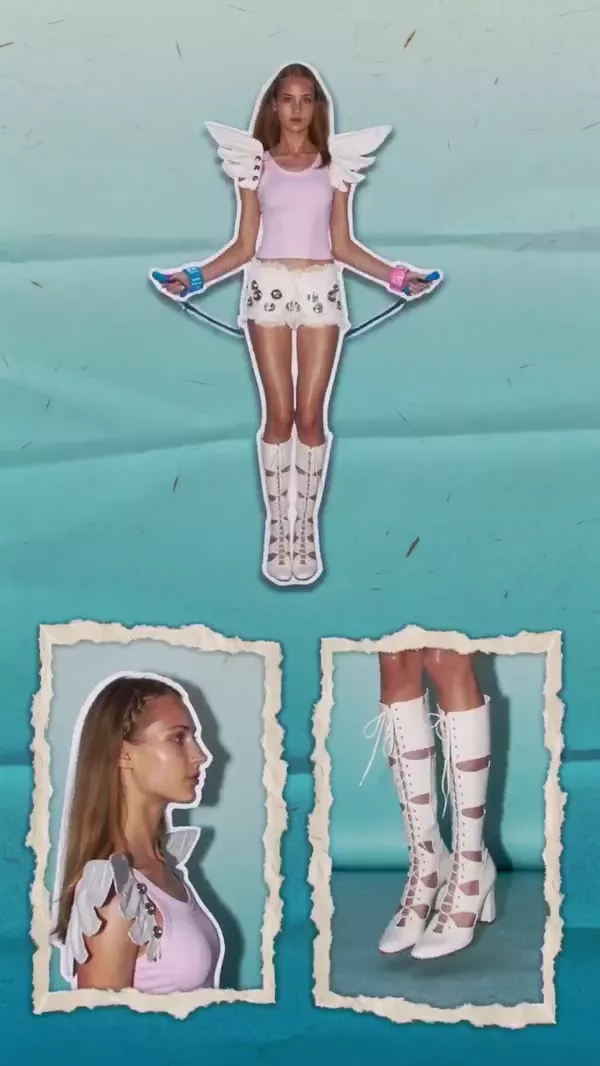
Official Higgsfield preview · Scrapbook collage
A dynamic, multi-panel layout where a central full-body shot is displayed alongside smaller inset frames showing simultaneous close-up details of the subject. Built for fashion videos, lookbooks, and stylized edits.
Best for: fashion videos, lookbooks, and stylized edits.
Use this effect ↗Affiliate link · Select “Scrapbook collage” in the official gallery. Source
Official Higgsfield preview · Agamemnon
Agamemnon steps out of the screen as armored warriors storm the theater. Larger-than-life and perfect for bold reveals or transitions.
Best for: Short visual hooks
Use this effect ↗Affiliate link · Select “Agamemnon” in the official gallery. Source
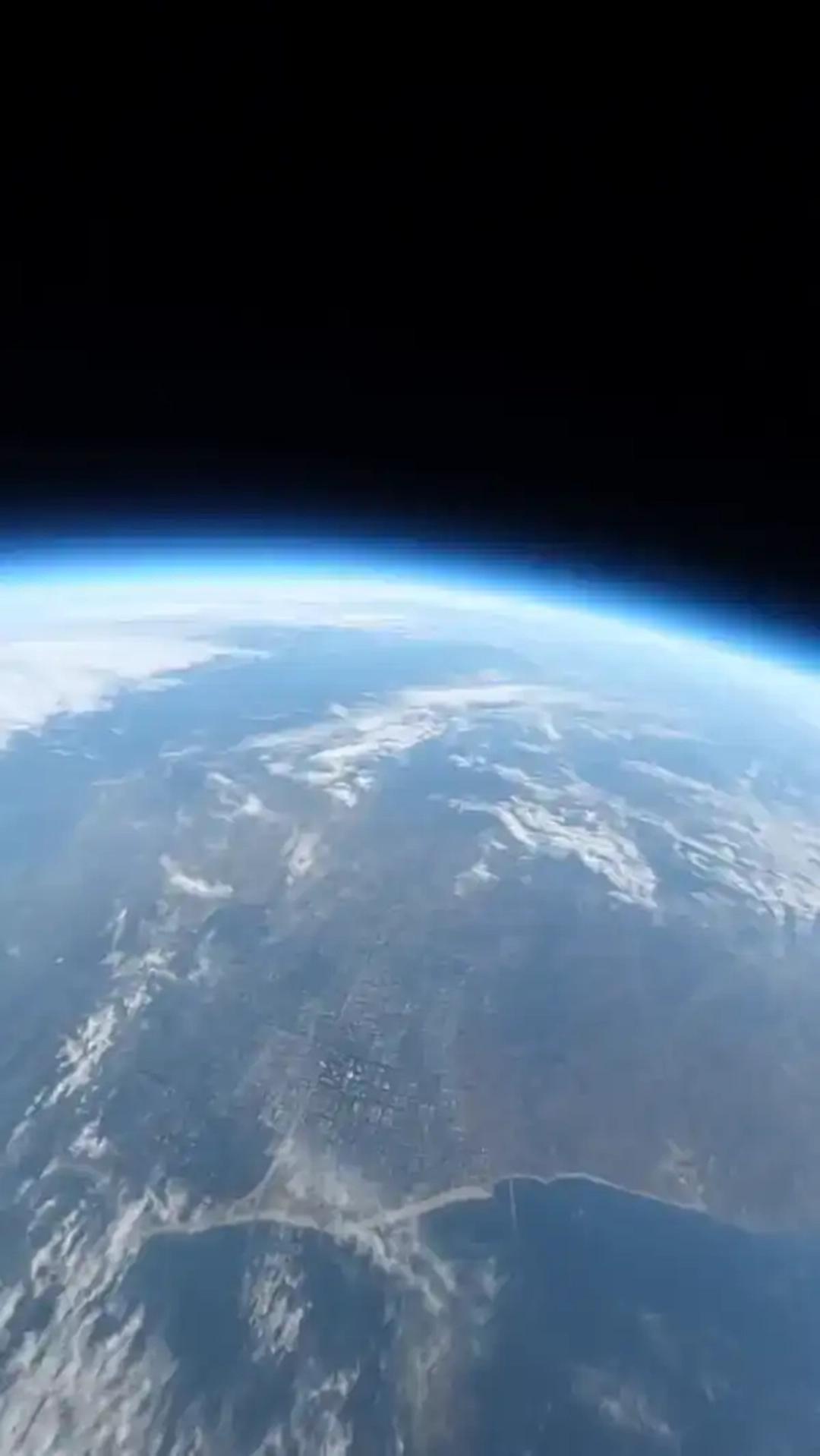
Official Higgsfield preview · Earth zoom
The camera plunges from orbit — through clouds, past the city grid — and lands at street level in one unbroken move. Built for scale, transitions, and dramatic reveals.
Best for: scale, transitions, and dramatic reveals.
Use this effect ↗Affiliate link · Select “Earth zoom” in the official gallery. Source
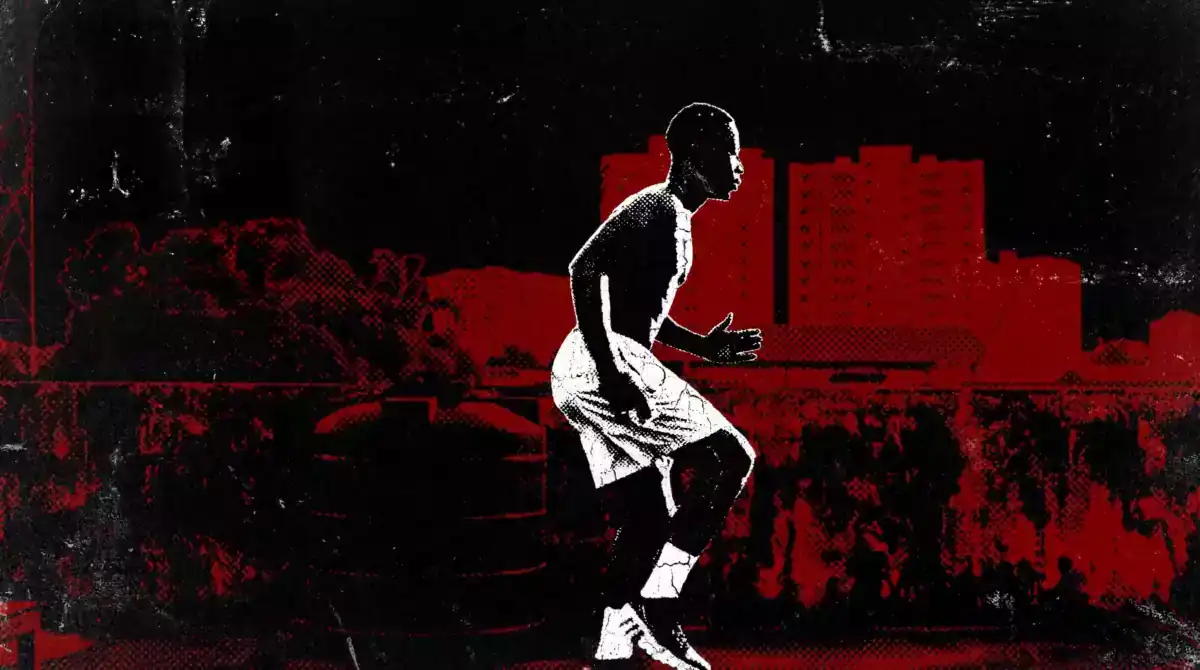
Official Higgsfield preview · Ink Riot
Stacked mixed-media composition
Best for: Short visual hooks
Use this effect ↗Affiliate link · Select “Ink Riot” in the official gallery. Source

Official Higgsfield preview · Fallen angel
Cabanel's original "The Fallen Angel" below, your cinematic version of the portrait above. Defiant and instantly recognizable—a split-screen format built to go viral.
Best for: Short visual hooks
Use this effect ↗Affiliate link · Select “Fallen angel” in the official gallery. Source
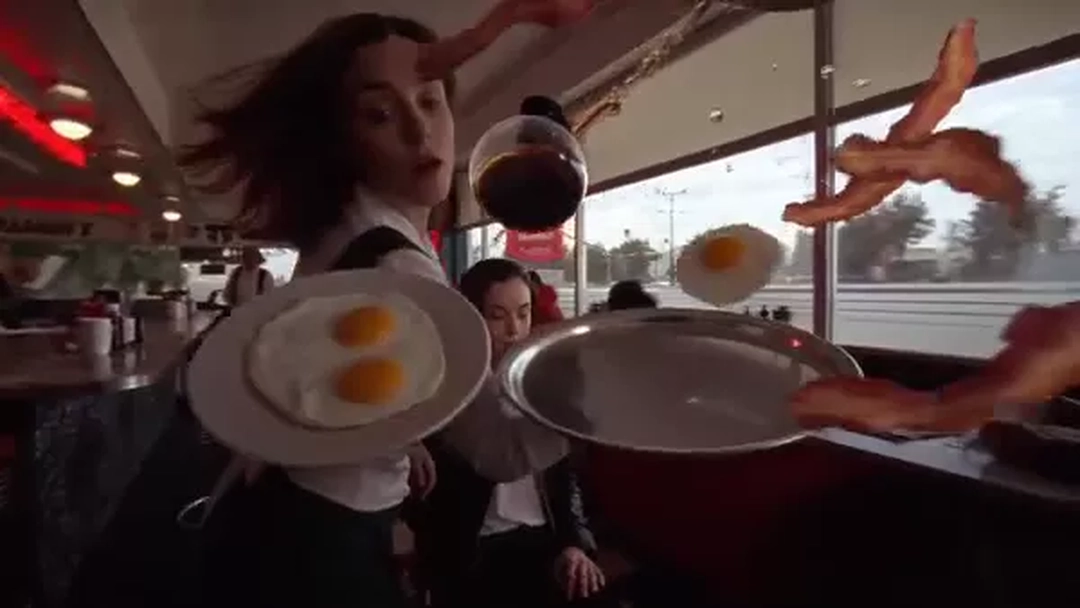
Official Higgsfield preview · Bullet time
A waitress trips, sending coffee and plates flying as time freezes for a sweeping 360° camera move. Everything snaps back into place, ending on her knowing smirk. Slick and cinematic—perfect for high-impact reveals.
Best for: Short visual hooks
Use this effect ↗Affiliate link · Select “Bullet time” in the official gallery. Source
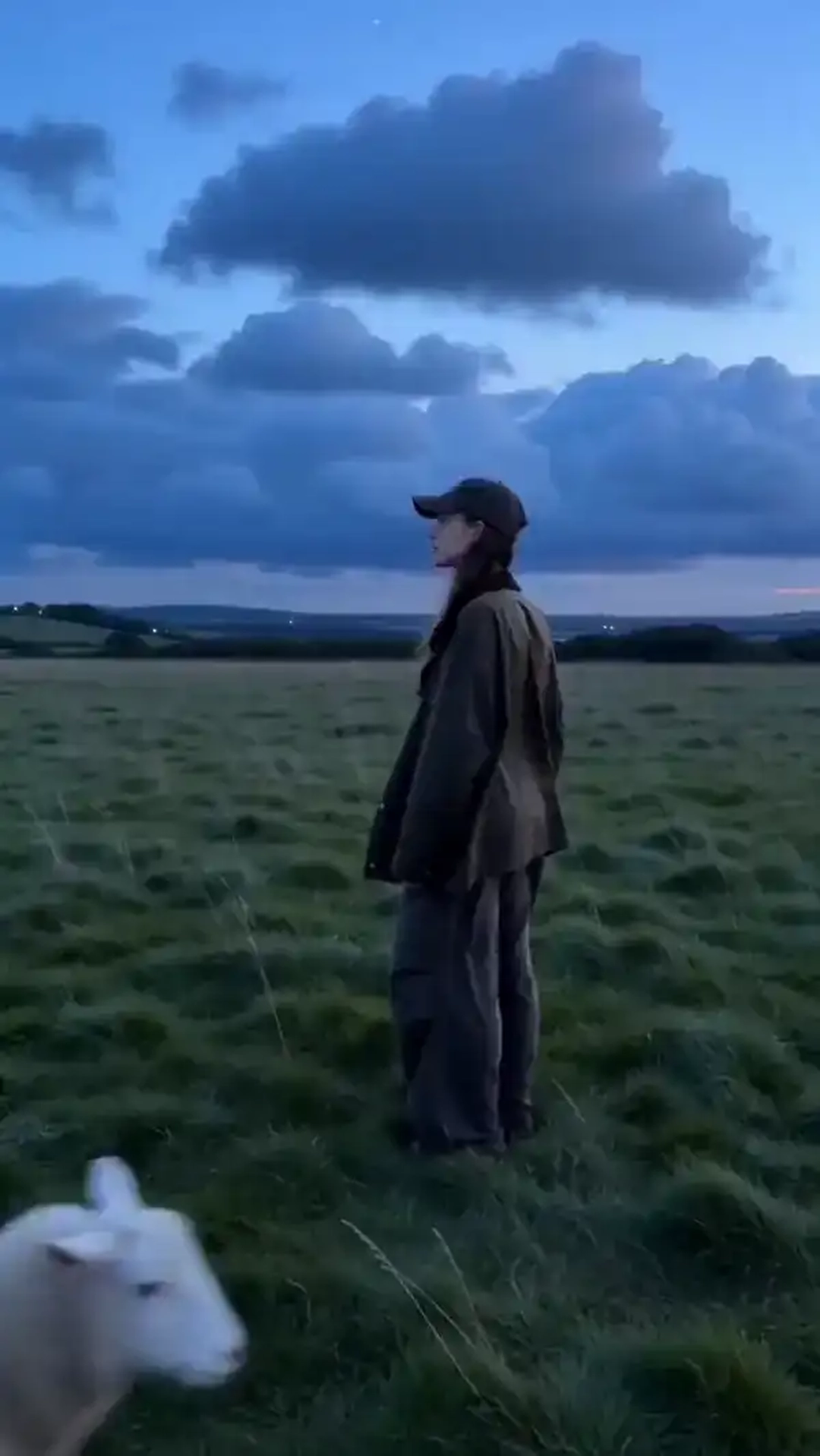
Official Higgsfield preview · Fairytale castle
An empty field at dusk leads to a glowing castle, with a winding stream and fireworks overhead. Dreamlike and cinematic—built for fantasy intros, magical reveals, or storybook worlds.
Best for: Short visual hooks
Use this effect ↗Affiliate link · Select “Fairytale castle” in the official gallery. Source

Official Higgsfield preview · Comic
Graphic illustrated comic look
Best for: Short visual hooks
Use this effect ↗Affiliate link · Select “Comic” in the official gallery. Source
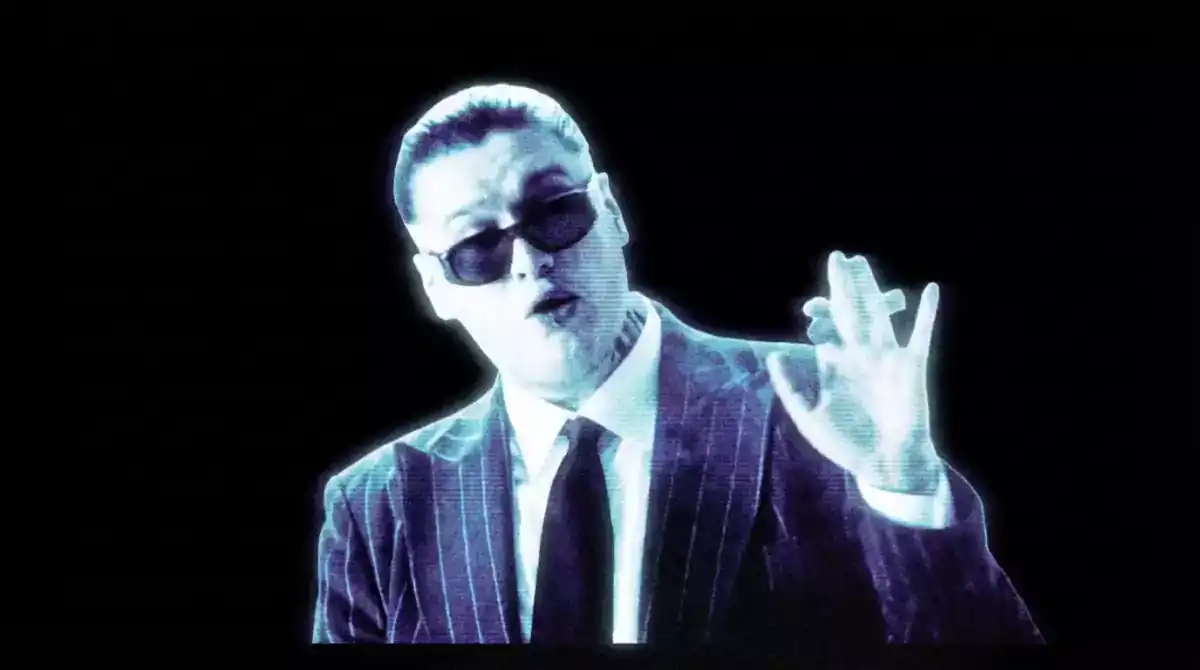
Official Higgsfield preview · Cold vision
Cold neon shadow lighting
Best for: Short visual hooks
Use this effect ↗Affiliate link · Select “Cold vision” in the official gallery. Source
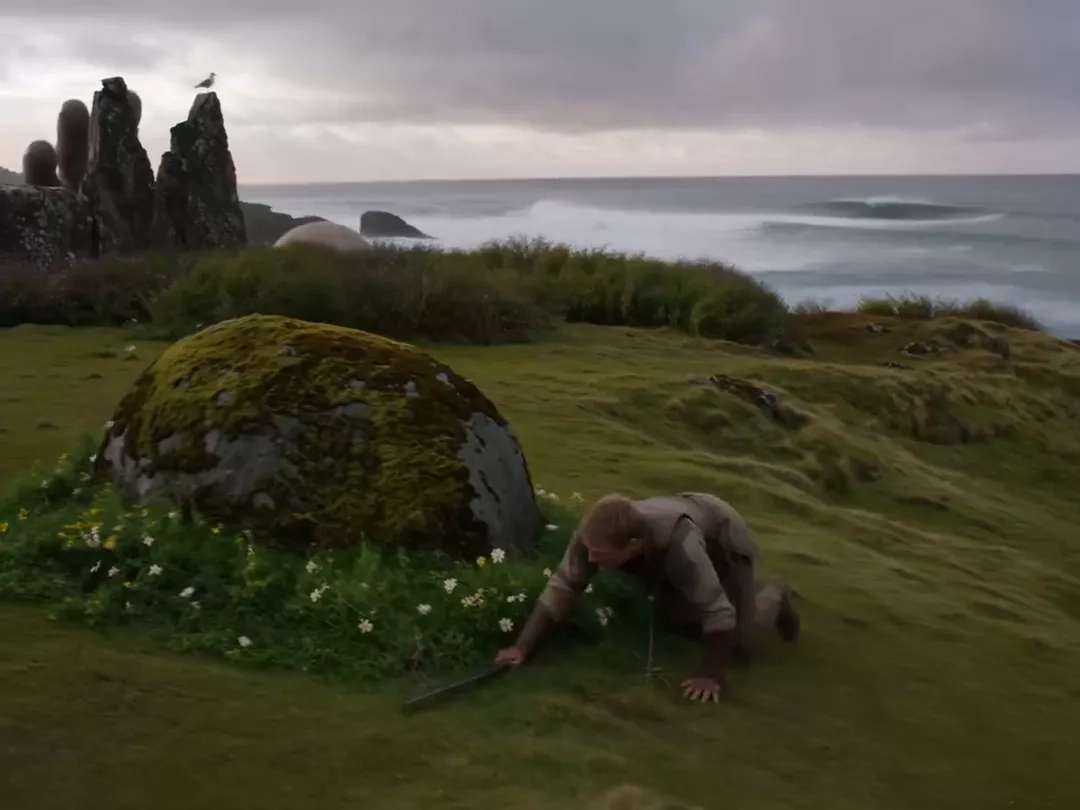
Official Higgsfield preview · Cyclope
Redon's original "The Cyclops" below, an animated recreation starring you above. Surreal and instantly recognizable—a split-screen format built to go viral.
Best for: Short visual hooks
Use this effect ↗Affiliate link · Select “Cyclope” in the official gallery. Source
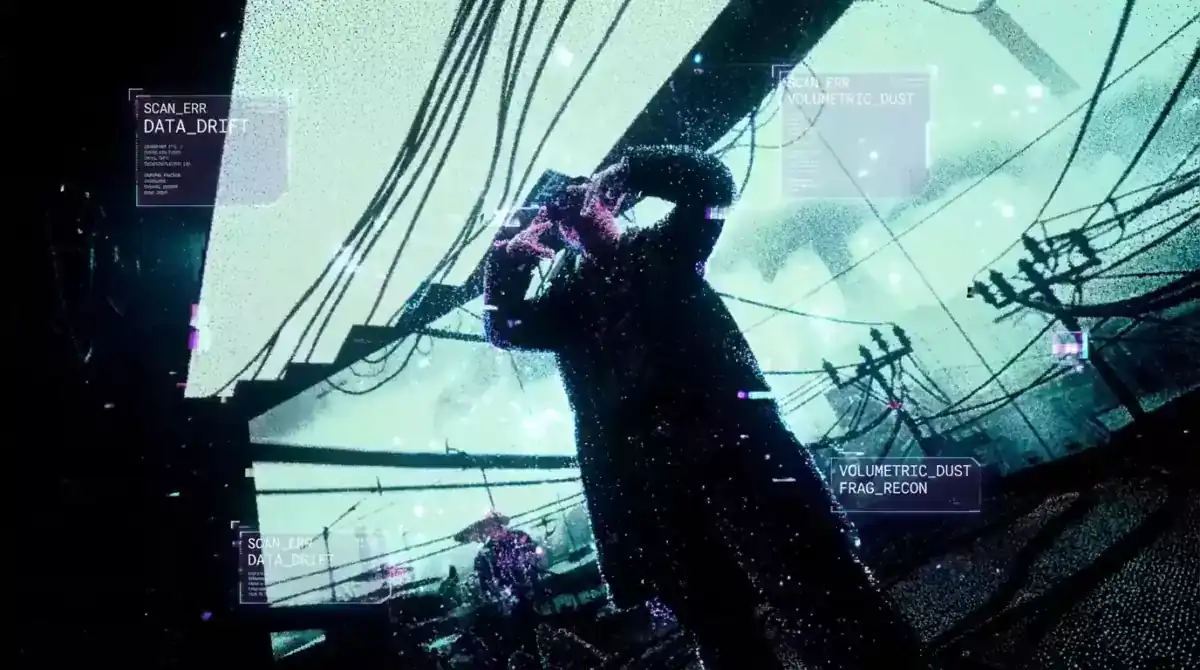
Official Higgsfield preview · Particles
Luminous particles in motion
Best for: Short visual hooks
Use this effect ↗Affiliate link · Select “Particles” in the official gallery. Source

Official Higgsfield preview · Mighty fighter
Become a battle-worn knight in a misty field of red poppies. Melancholic and cinematic—perfect for fallen-hero portraits or dark fantasy storytelling.
Best for: Short visual hooks
Use this effect ↗Affiliate link · Select “Mighty fighter” in the official gallery. Source
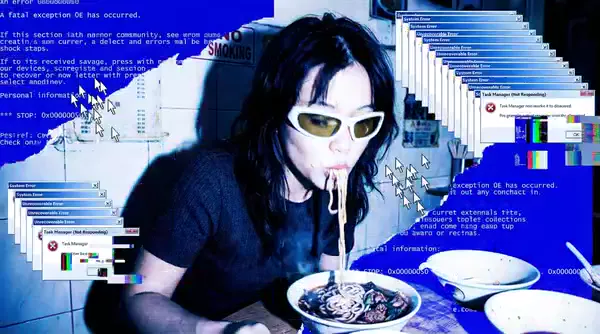
Official Higgsfield preview · Windows
Overlapping digital interface windows
Best for: Short visual hooks
Use this effect ↗Affiliate link · Select “Windows” in the official gallery. Source

Official Higgsfield preview · Canvas
Hand-drawn canvas-style artwork
Best for: Short visual hooks
Use this effect ↗Affiliate link · Select “Canvas” in the official gallery. Source
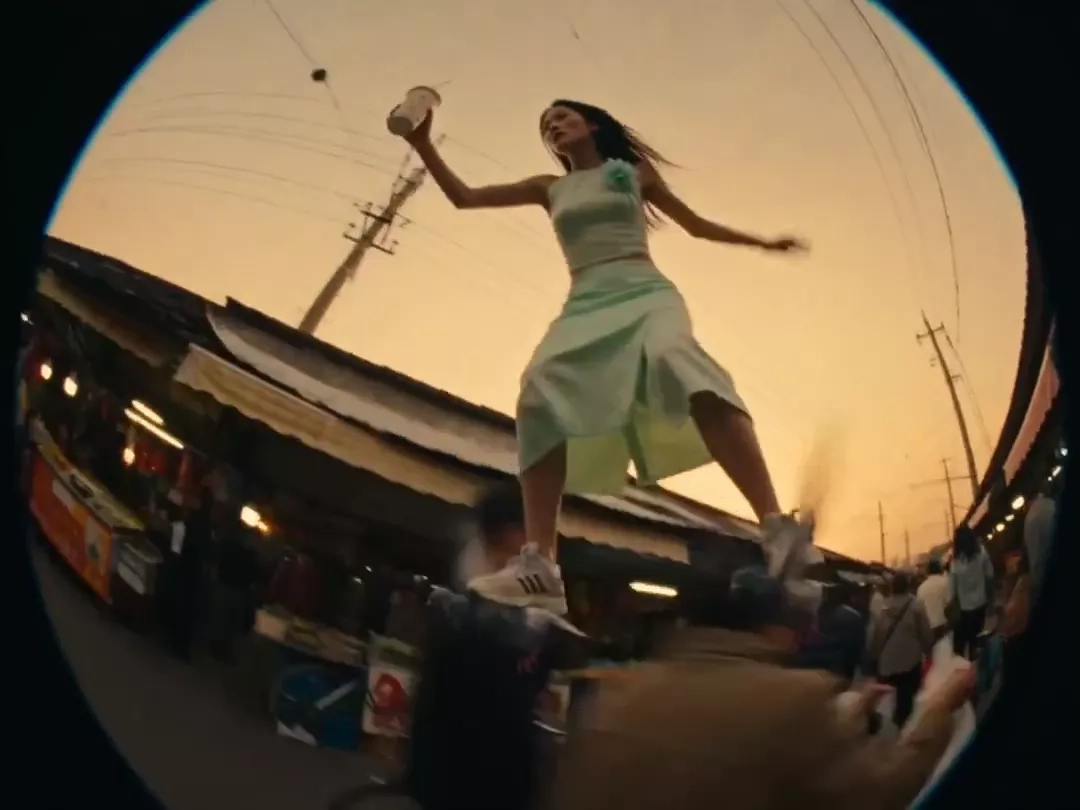
Official Higgsfield preview · Pigeons
A rider glides through the city on pigeons like roller skates, hovering above the street. Absurd and hilarious — a trend-ready visual built to stop the scroll.
Best for: Short visual hooks
Use this effect ↗Affiliate link · Select “Pigeons” in the official gallery. Source
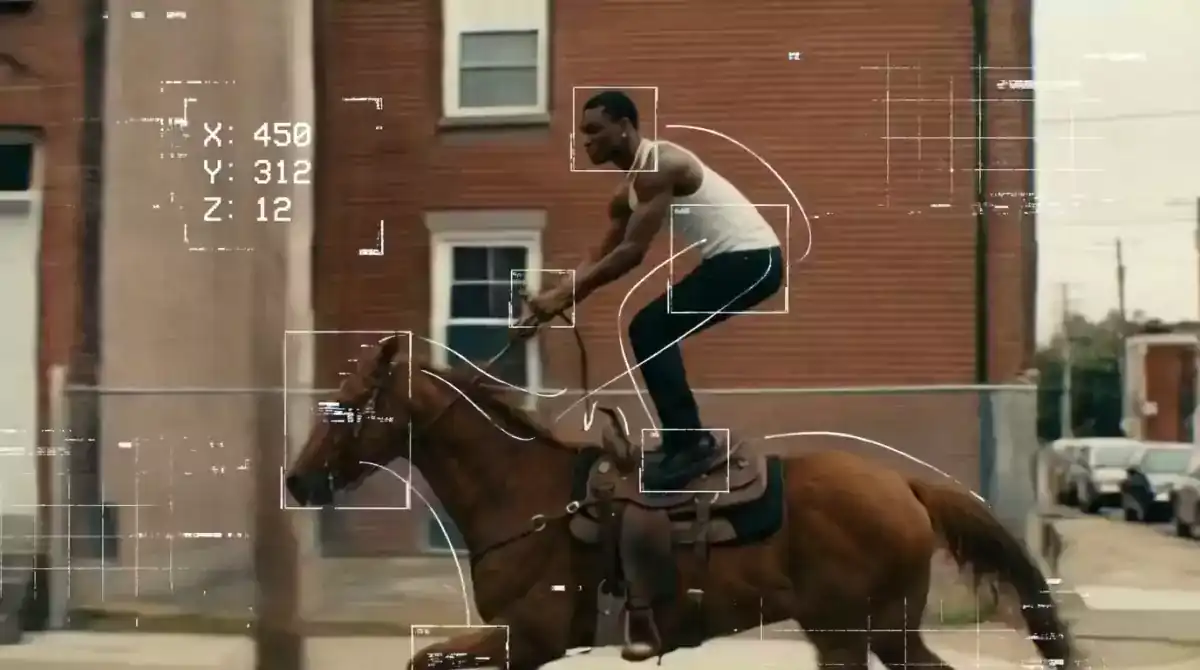
Official Higgsfield preview · Tracking
Dynamic object tracking lines
Best for: Short visual hooks
Use this effect ↗Affiliate link · Select “Tracking” in the official gallery. Source
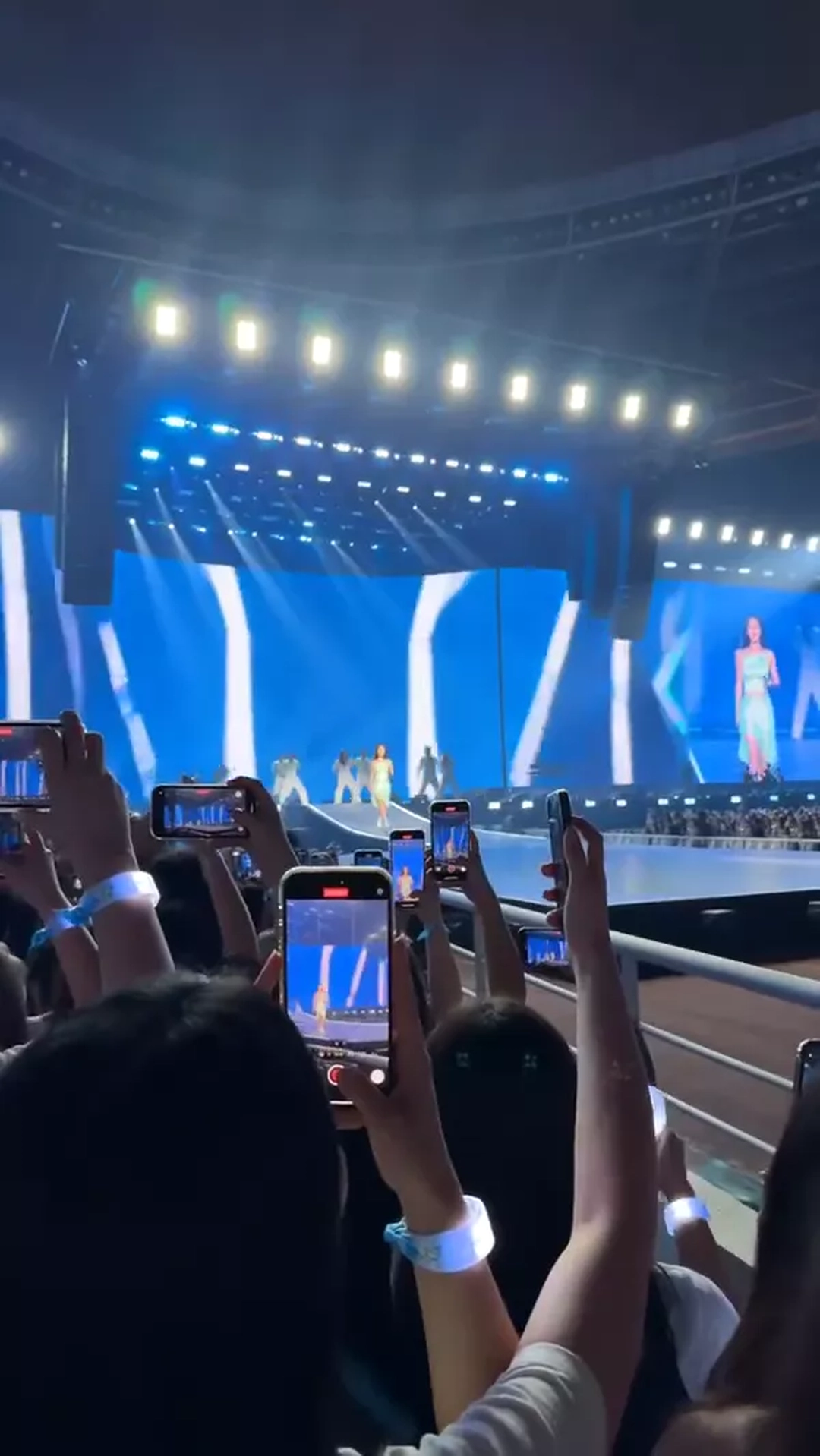
Official Higgsfield preview · Superstar
Stadium lights, a sea of raised phones, and a face taking over the jumbotron—all seen from deep inside the crowd. Raw and charged—an instant hook for high-energy intros
Best for: Short visual hooks
Use this effect ↗Affiliate link · Select “Superstar” in the official gallery. Source

Official Higgsfield preview · Pearl earring
Vermeer's original "Girl with a Pearl Earring" below, a personalized animated recreation starring you above. Timeless and instantly recognizable—a split-screen format built to go viral.
Best for: Short visual hooks
Use this effect ↗Affiliate link · Select “Pearl earring” in the official gallery. Source
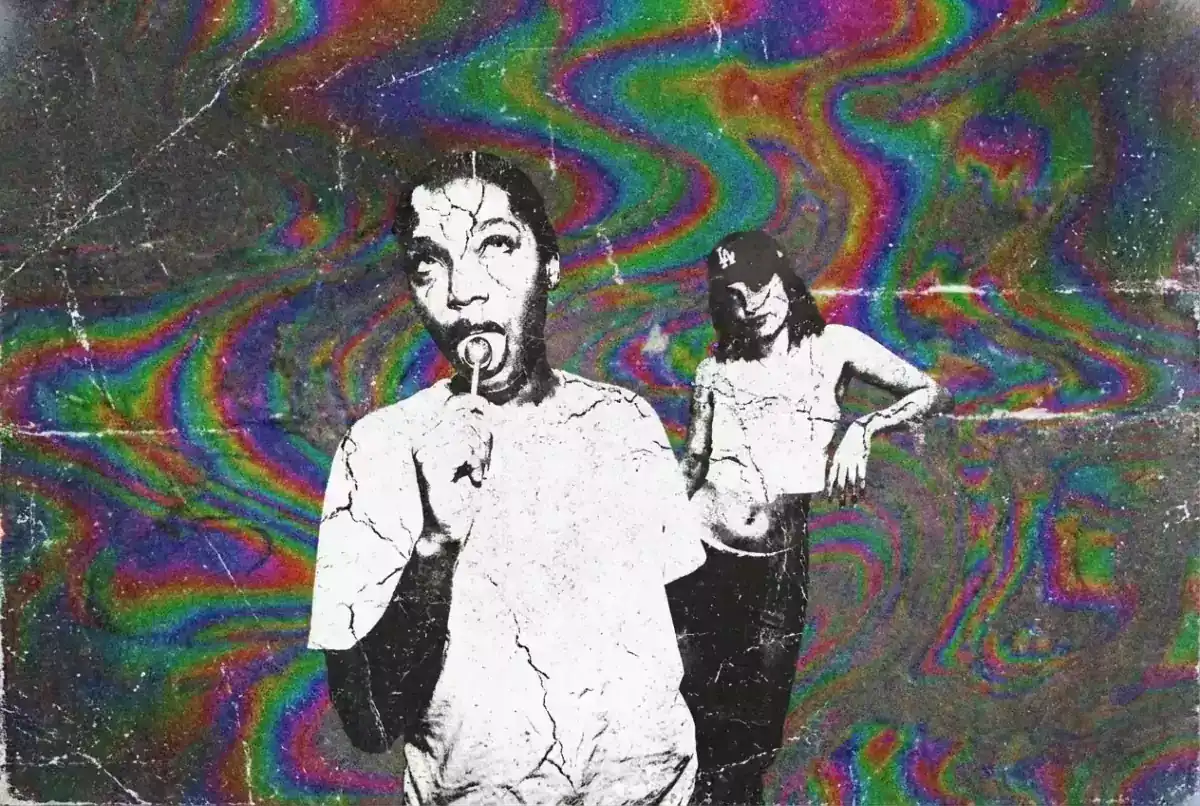
Official Higgsfield preview · LSD
Hallucinogenic color waves
Best for: Short visual hooks
Use this effect ↗Affiliate link · Select “LSD” in the official gallery. Source
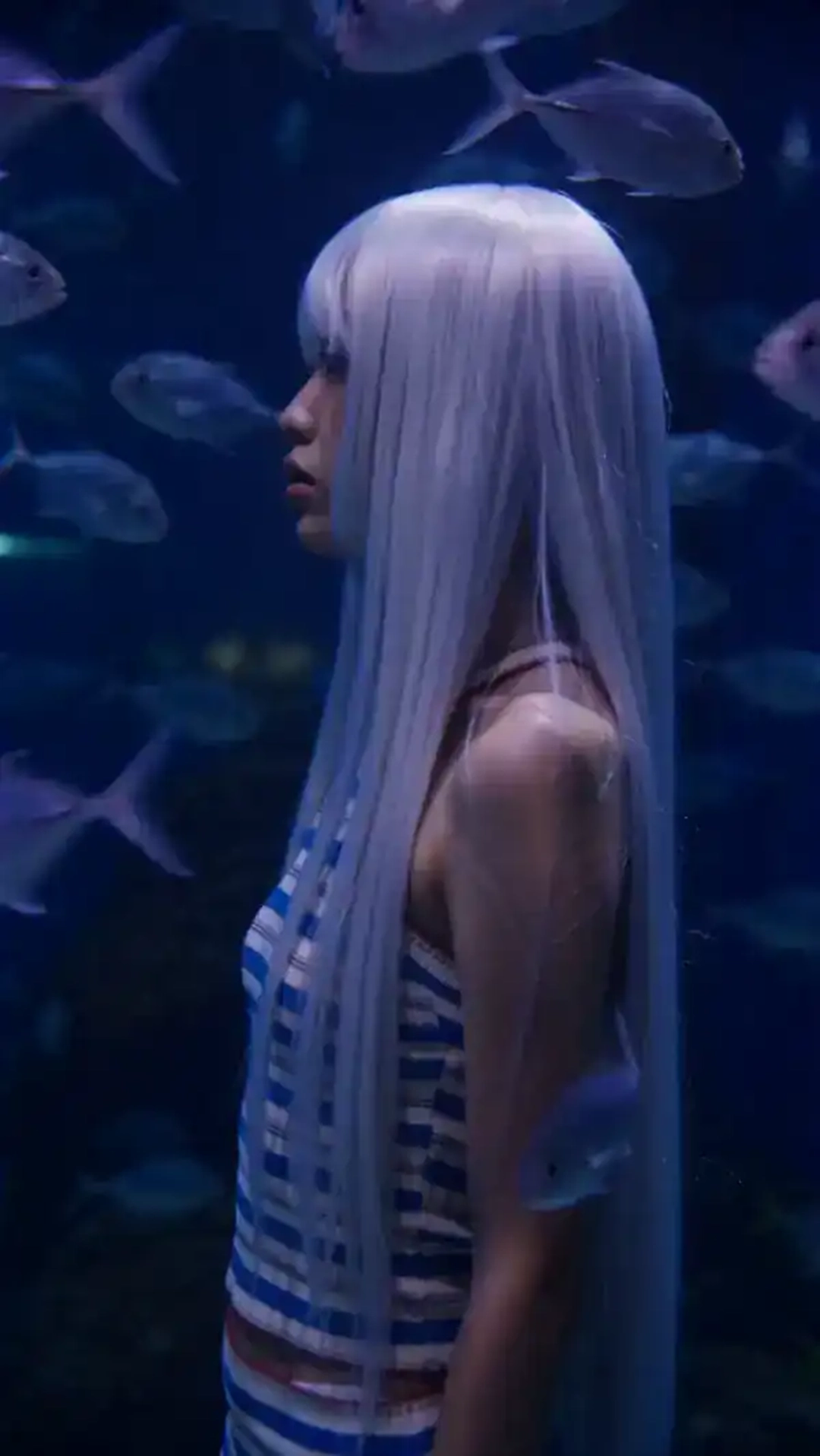
Official Higgsfield preview · Blue depth
A wall of dark water fills the frame as fish drift past in slow motion and everything else holds perfectly still. Moody and hypnotic—perfect for transitions or storytelling.
Best for: Short visual hooks
Use this effect ↗Affiliate link · Select “Blue depth” in the official gallery. Source
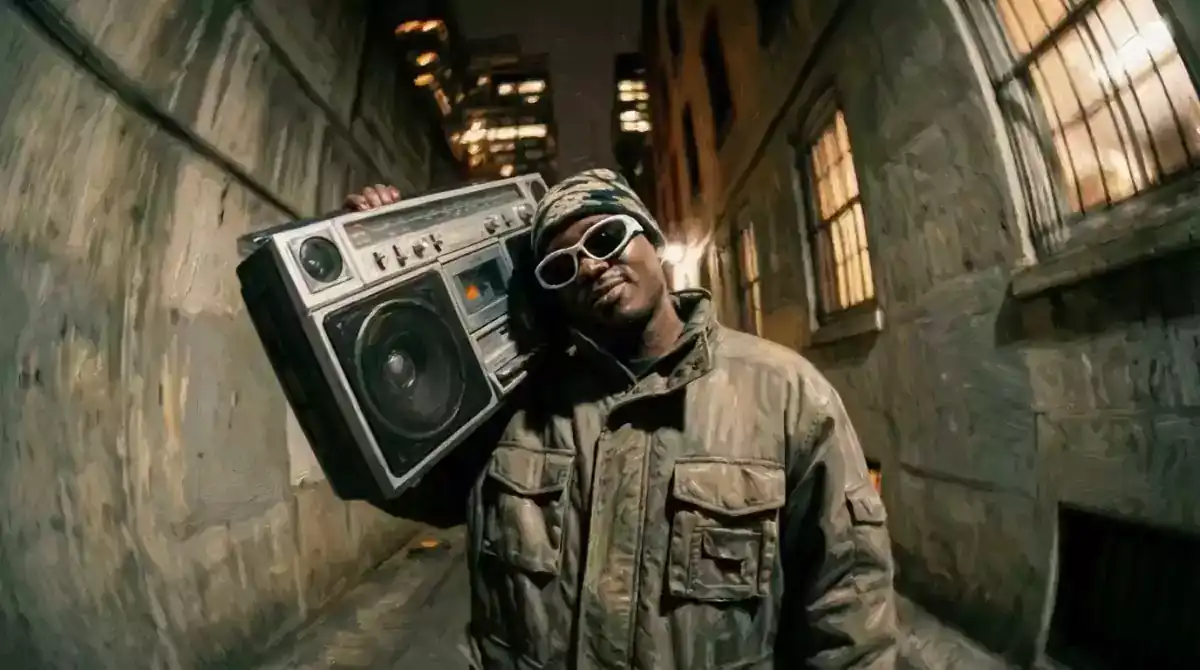
Official Higgsfield preview · Palette
Hand-painted color composition
Best for: Short visual hooks
Use this effect ↗Affiliate link · Select “Palette” in the official gallery. Source
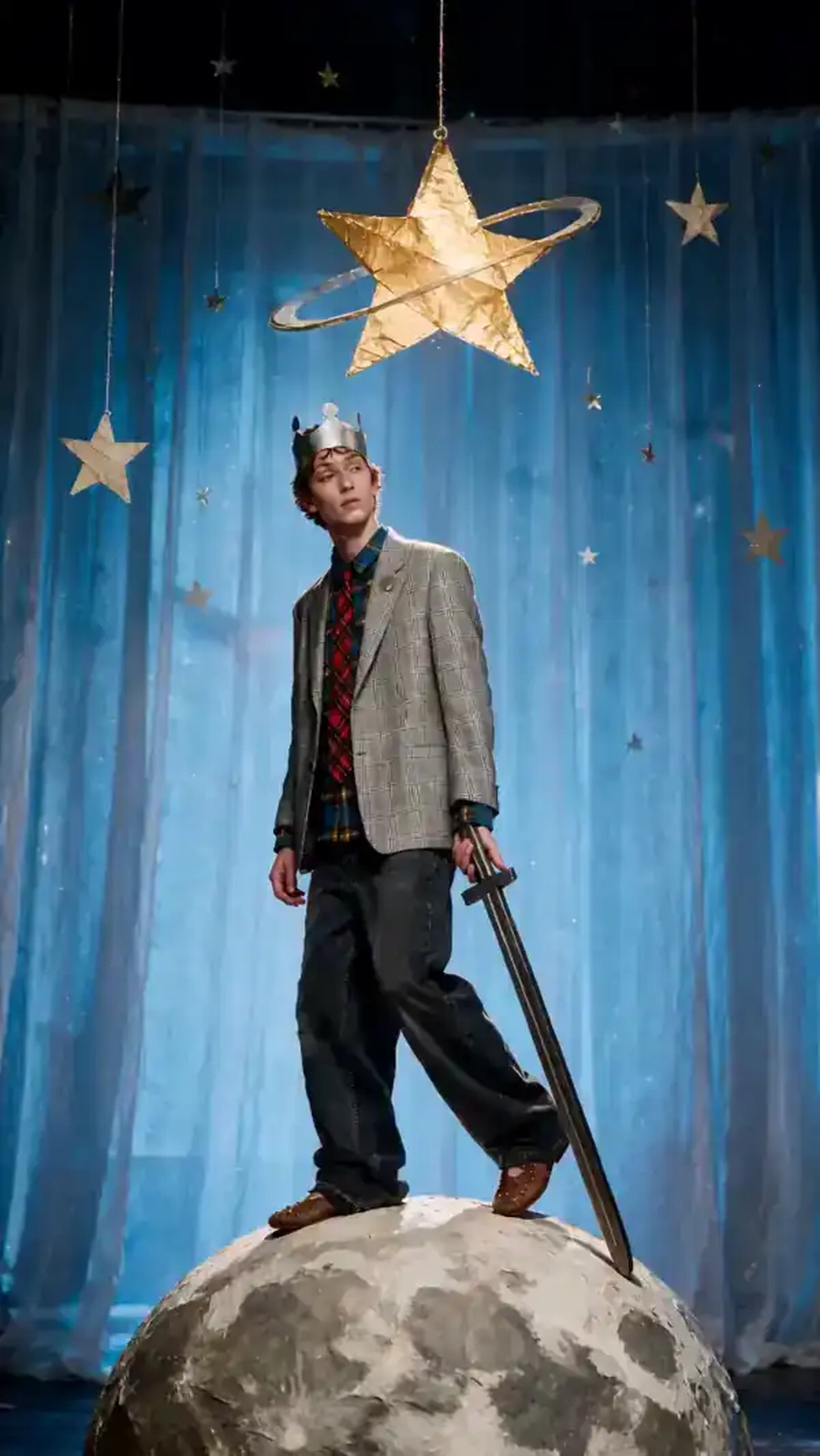
Official Higgsfield preview · Moonwalk
Journey across the Moon, Sun, and Earth as a crowned cosmic wanderer. Whimsical and surreal—perfect for dreamy, viral-ready edits.
Best for: Short visual hooks
Use this effect ↗Affiliate link · Select “Moonwalk” in the official gallery. Source
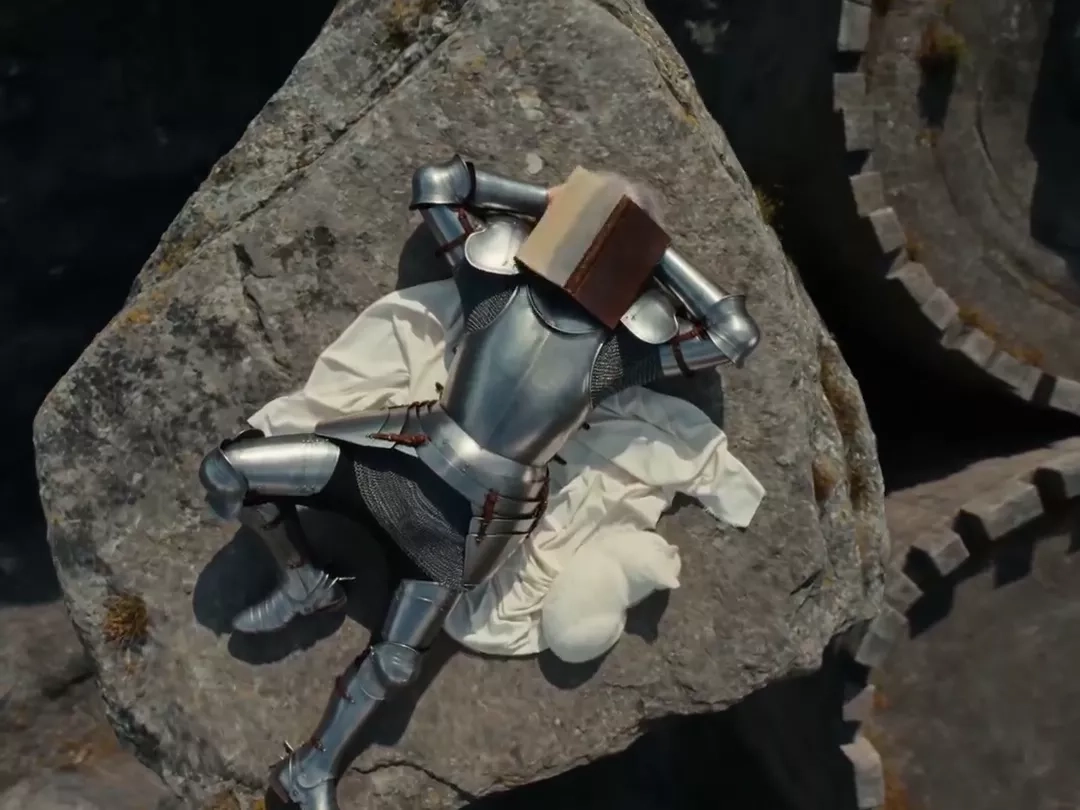
Official Higgsfield preview · Knight's diary
An off-duty knight lounges above the Alps with a diary and a cat. Epic and cinematic — perfect for fantasy portraits and character reveals.
Best for: Short visual hooks
Use this effect ↗Affiliate link · Select “Knight's diary” in the official gallery. Source

Official Higgsfield preview · Argus
Briton Rivière's "Ulysses and Argus" below, with you entering its most emotional moment above. Tender, cinematic, and made for a shareable split-screen format.
Best for: Short visual hooks
Use this effect ↗Affiliate link · Select “Argus” in the official gallery. Source
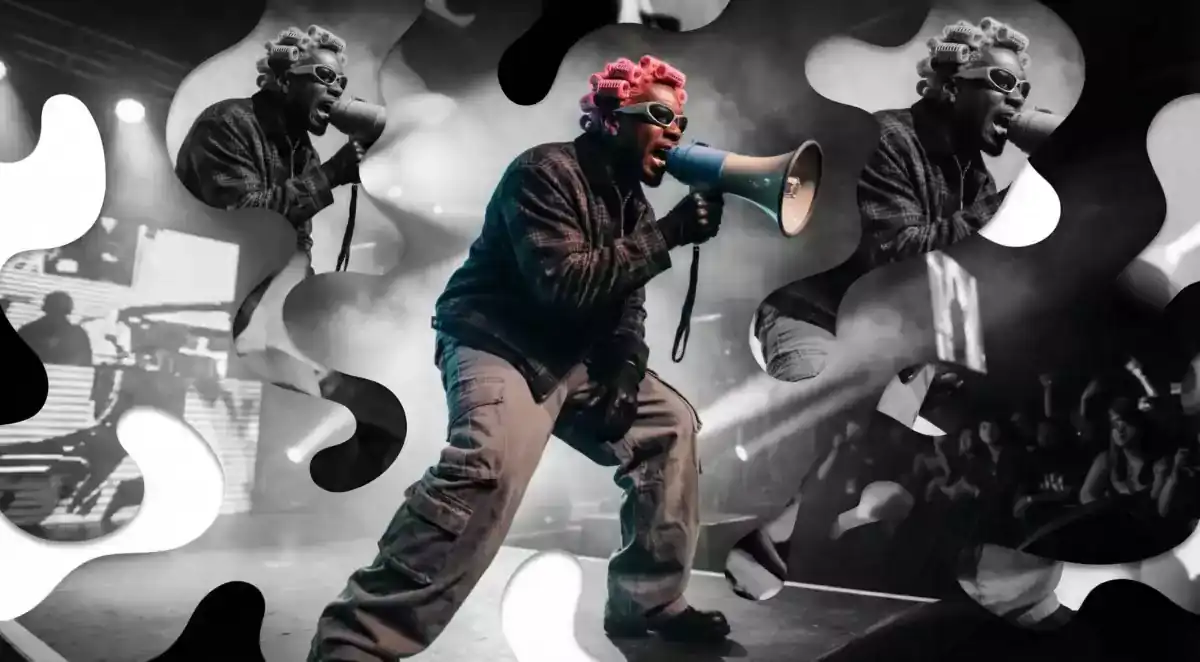
Official Higgsfield preview · Fragments
Layered abstract visual fragments
Best for: Short visual hooks
Use this effect ↗Affiliate link · Select “Fragments” in the official gallery. Source
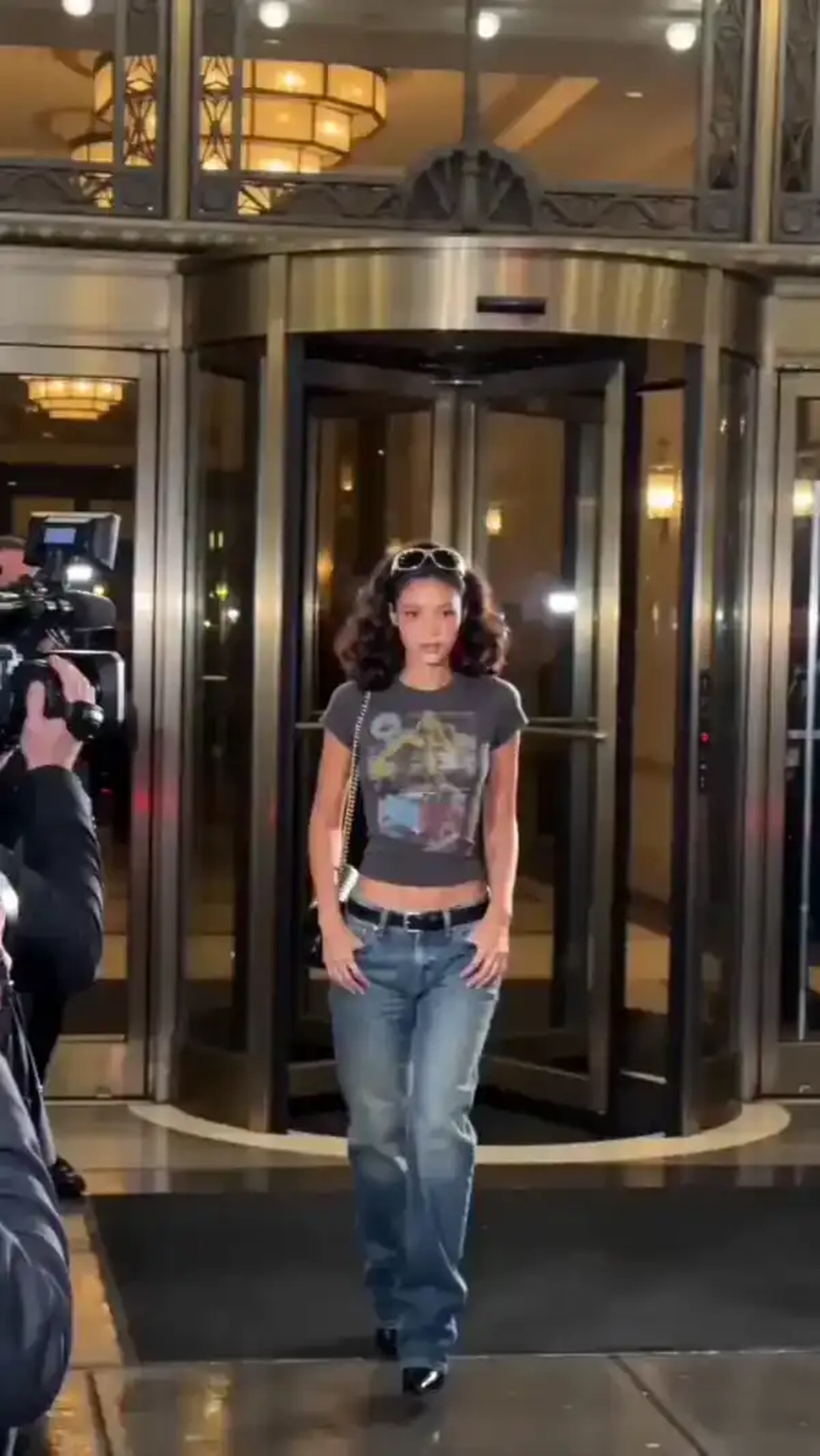
Official Higgsfield preview · 2000's paparazzi
A retro VHS paparazzi clip — Y2K celebrity in graphic tee and low-rise jeans exits a luxury hotel through a golden revolving door, walks past flashing cameras into a black car.
Best for: Short visual hooks
Use this effect ↗Affiliate link · Select “2000's paparazzi” in the official gallery. Source
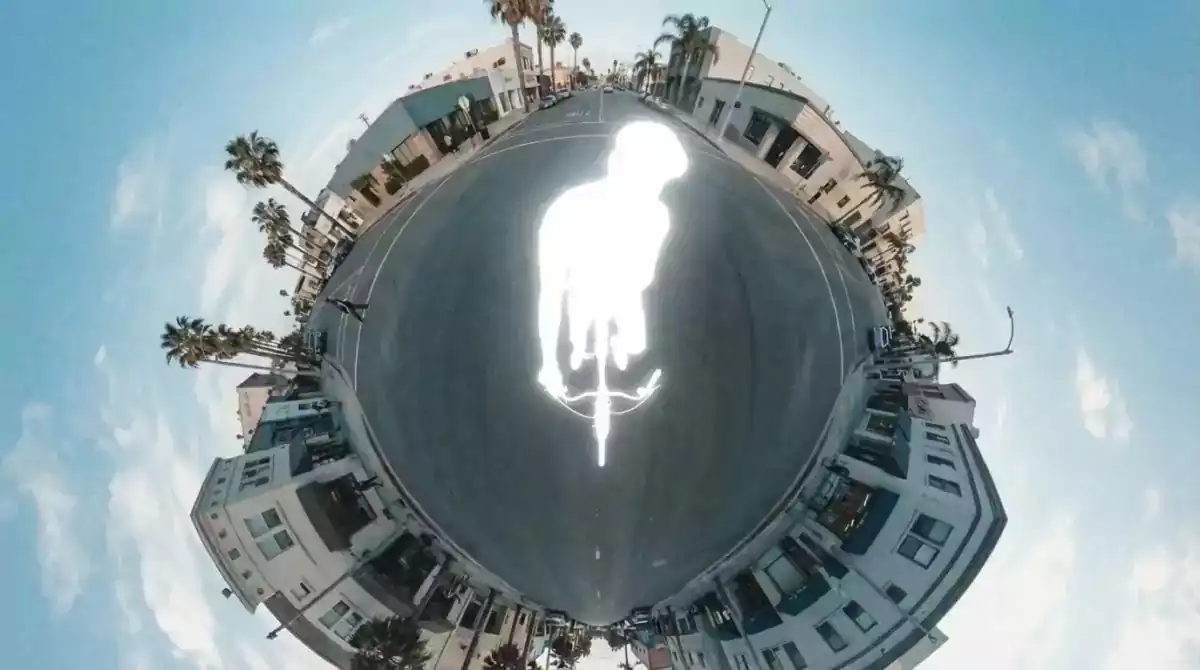
Official Higgsfield preview · Overexposed
Extreme light exposure effect
Best for: Short visual hooks
Use this effect ↗Affiliate link · Select “Overexposed” in the official gallery. Source

Official Higgsfield preview · Dolphin ride
A rider surfs on a dolphin as if it were a board. Surreal and absurd—built for visual comedy or a scroll-stopping hook.
Best for: Short visual hooks
Use this effect ↗Affiliate link · Select “Dolphin ride” in the official gallery. Source
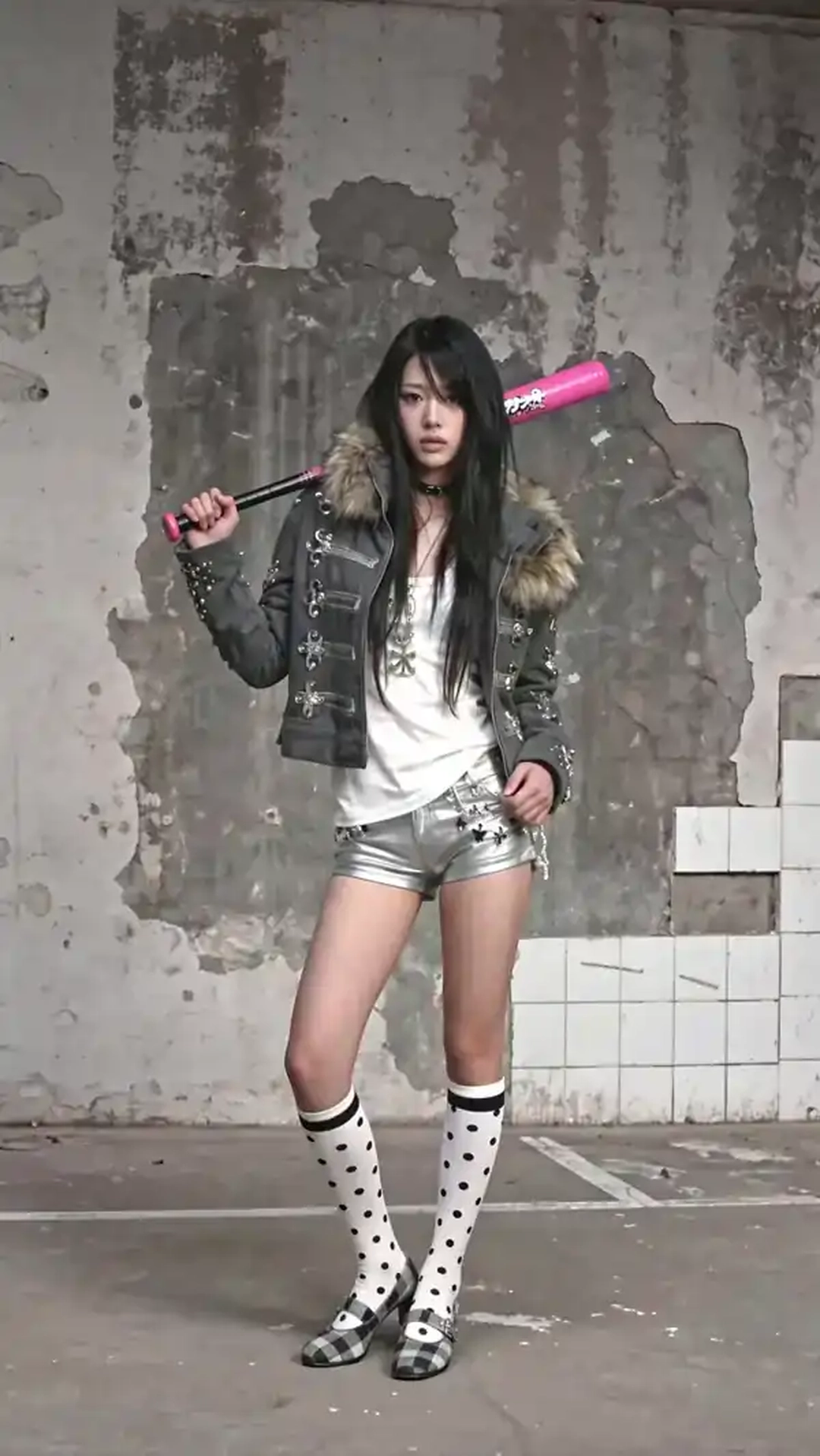
Official Higgsfield preview · Sticker peel
A giant hand reaches in and peels the figure off the wall like a sticker, leaving blank surface behind, then presses it back down. Tactile and graphic—perfect for transitions or reveals.
Best for: Short visual hooks
Use this effect ↗Affiliate link · Select “Sticker peel” in the official gallery. Source

Official Higgsfield preview · Multiverse
Layered reality collision effect
Best for: Short visual hooks
Use this effect ↗Affiliate link · Select “Multiverse” in the official gallery. Source

Official Higgsfield preview · Skatedog
A rider tears through the streets on a dachshund like a skateboard, pulling off tricks along the way. Perfect for viral videos and visual comedy.
Best for: Short visual hooks
Use this effect ↗Affiliate link · Select “Skatedog” in the official gallery. Source
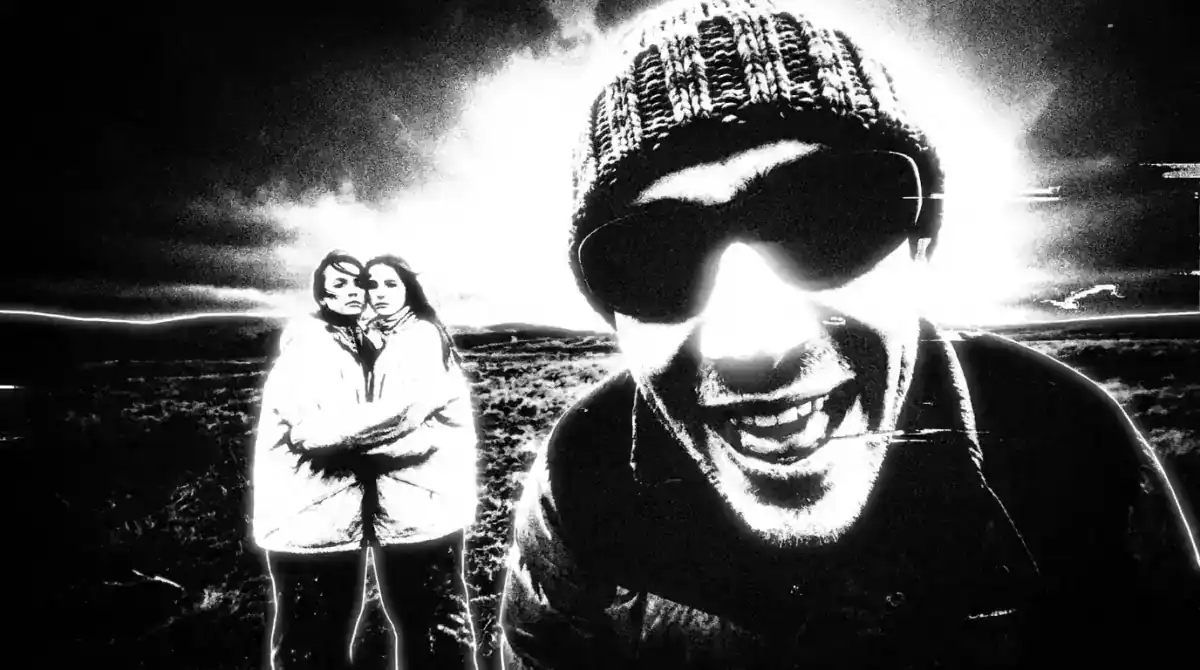
Official Higgsfield preview · Noir
Cinematic noir lighting
Best for: Short visual hooks
Use this effect ↗Affiliate link · Select “Noir” in the official gallery. Source

Official Higgsfield preview · Casual monster slayer
You transform into a cybernetic battle suit as a flaming giant crashes into the laundromat, then snap back to normal. Perfect for action edits, comic twists, and bold transformations.
Best for: Short visual hooks
Use this effect ↗Affiliate link · Select “Casual monster slayer” in the official gallery. Source
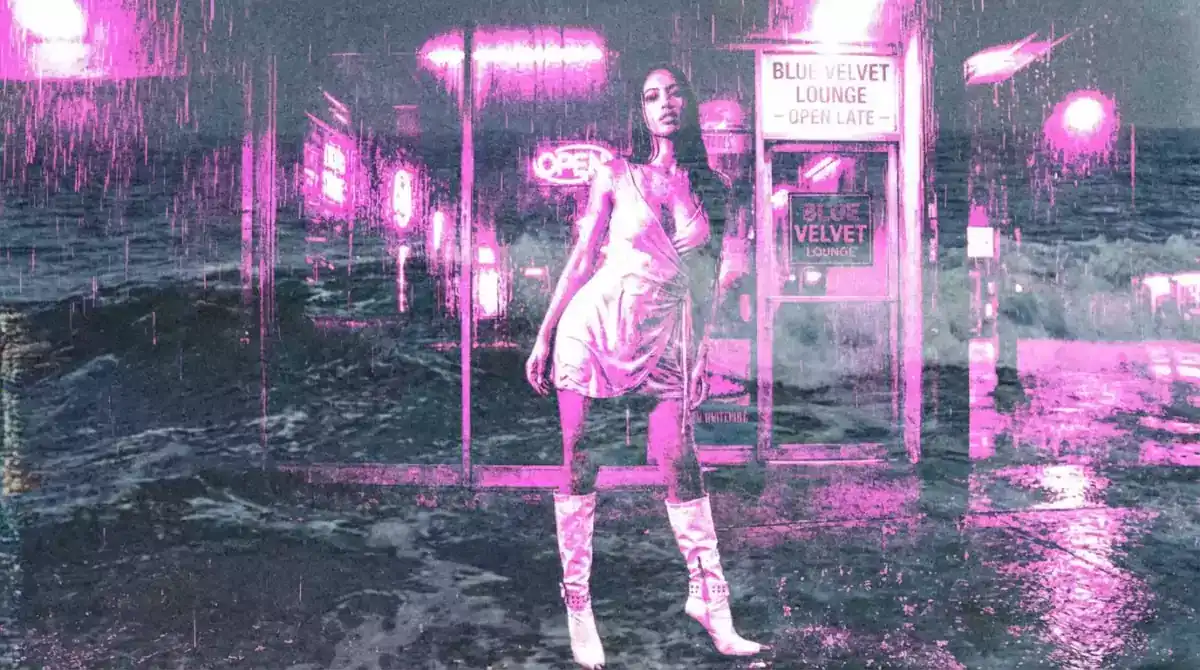
Official Higgsfield preview · Ocean
Liquid sea color overlay
Best for: Short visual hooks
Use this effect ↗Affiliate link · Select “Ocean” in the official gallery. Source
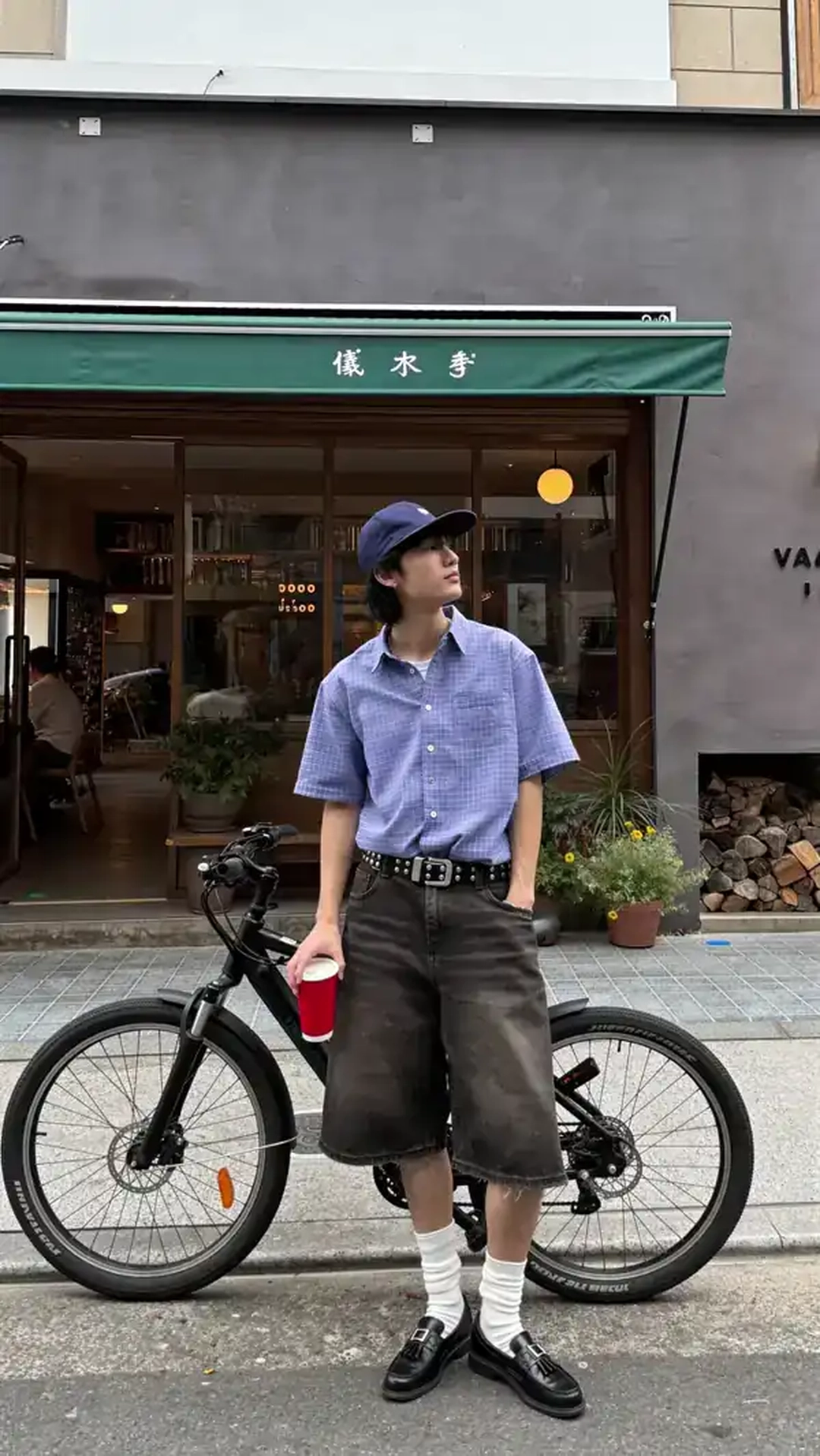
Official Higgsfield preview · Selfie twin
A second, identical version walks in, sits down, takes a selfie, and vanishes. Uncanny and playful—perfect for transitions or humor.
Best for: Short visual hooks
Use this effect ↗Affiliate link · Select “Selfie twin” in the official gallery. Source
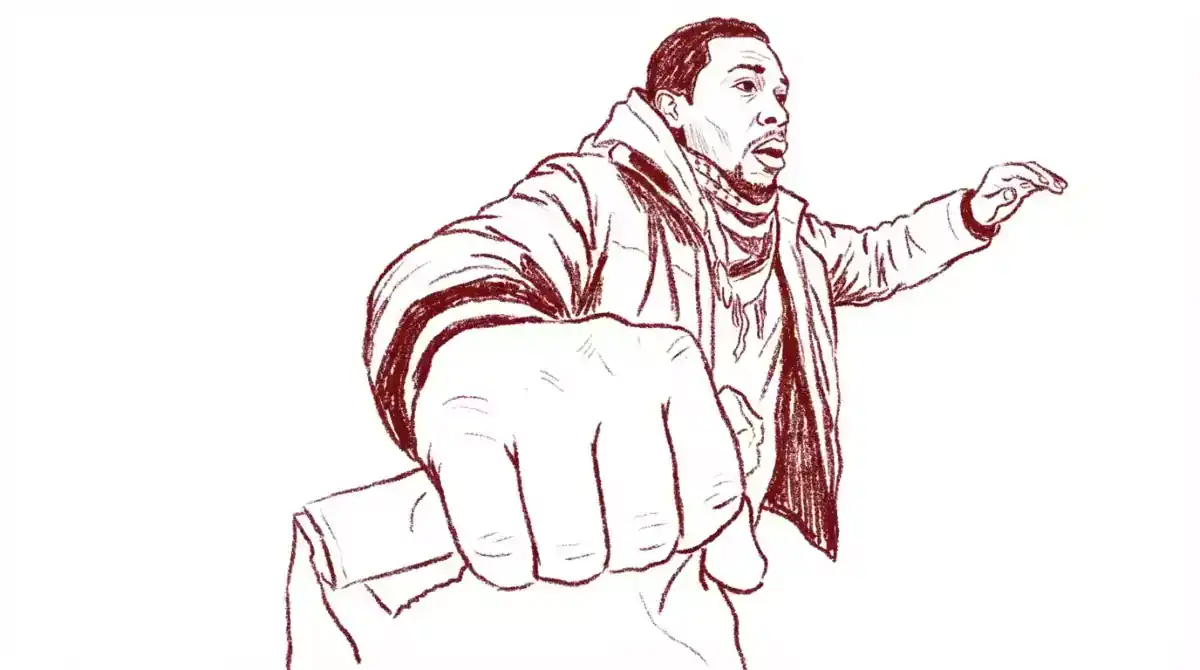
Official Higgsfield preview · Sketch
Hand-drawn textured linework
Best for: Short visual hooks
Use this effect ↗Affiliate link · Select “Sketch” in the official gallery. Source

Official Higgsfield preview · Monet muse
Step into Monet's world as a modern-day muse beneath an endless sky. Dreamy and painterly—perfect for poetic portraits or artful edits.
Best for: Short visual hooks
Use this effect ↗Affiliate link · Select “Monet muse” in the official gallery. Source
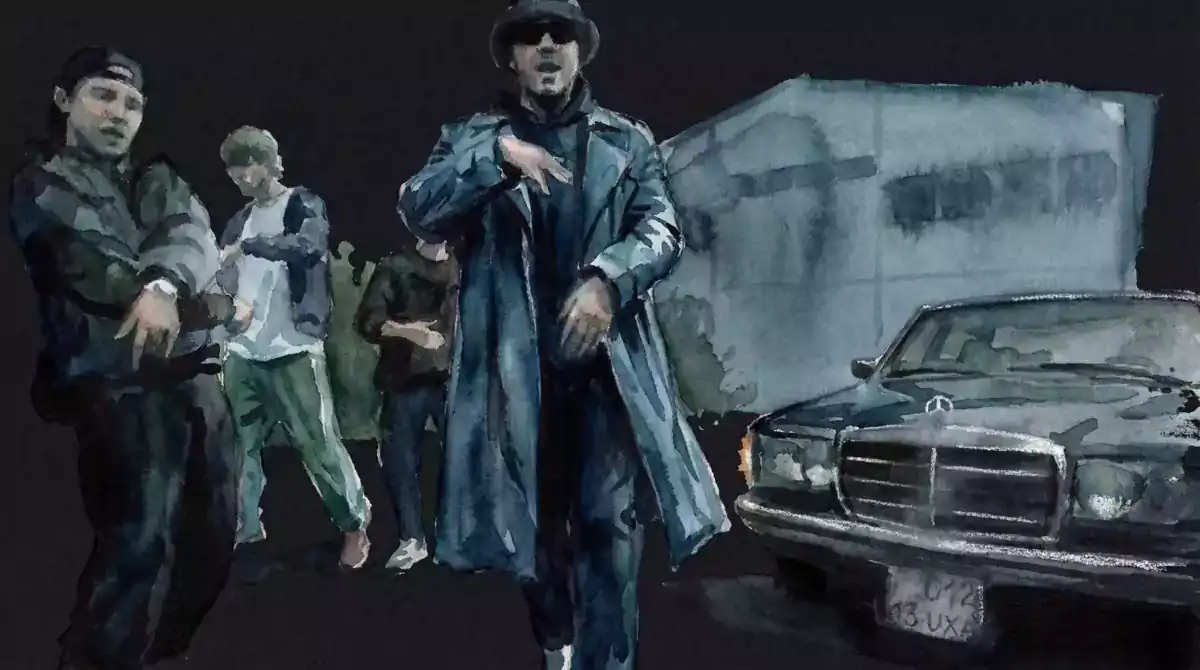
Official Higgsfield preview · Akrill
Layered acrylic color blocks
Best for: Short visual hooks
Use this effect ↗Affiliate link · Select “Akrill” in the official gallery. Source
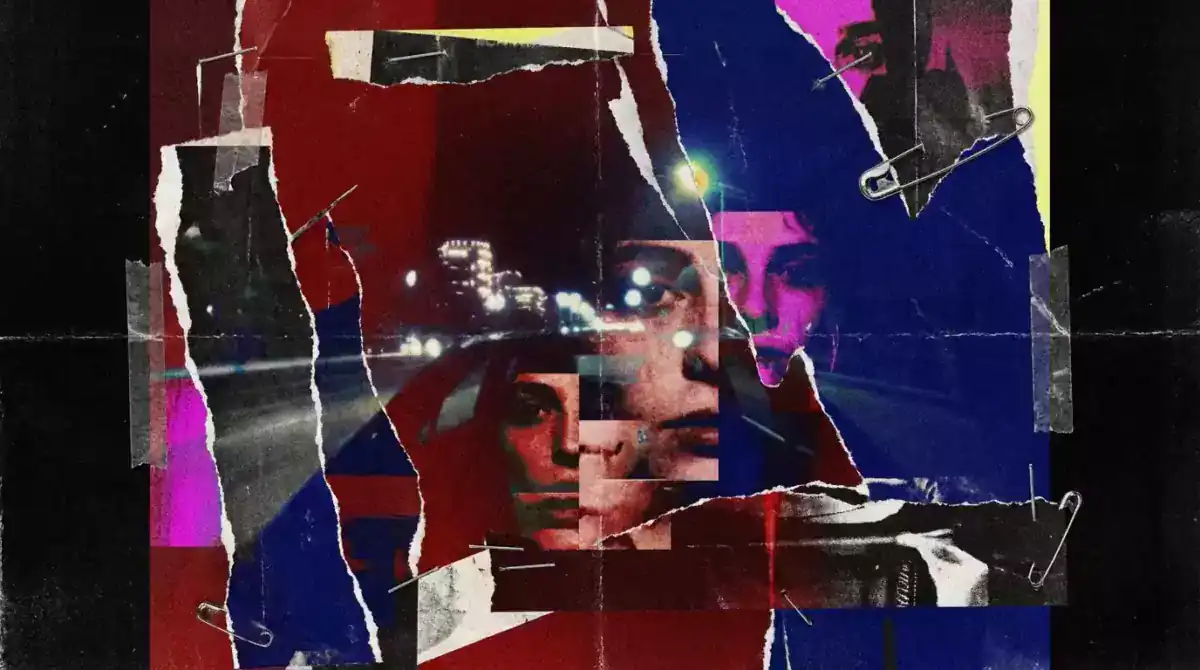
Official Higgsfield preview · Magazine
Printed magazine visual look
Best for: Short visual hooks
Use this effect ↗Affiliate link · Select “Magazine” in the official gallery. Source

Official Higgsfield preview · Cannabis
Smoky psychedelic poster look
Best for: Short visual hooks
Use this effect ↗Affiliate link · Select “Cannabis” in the official gallery. Source
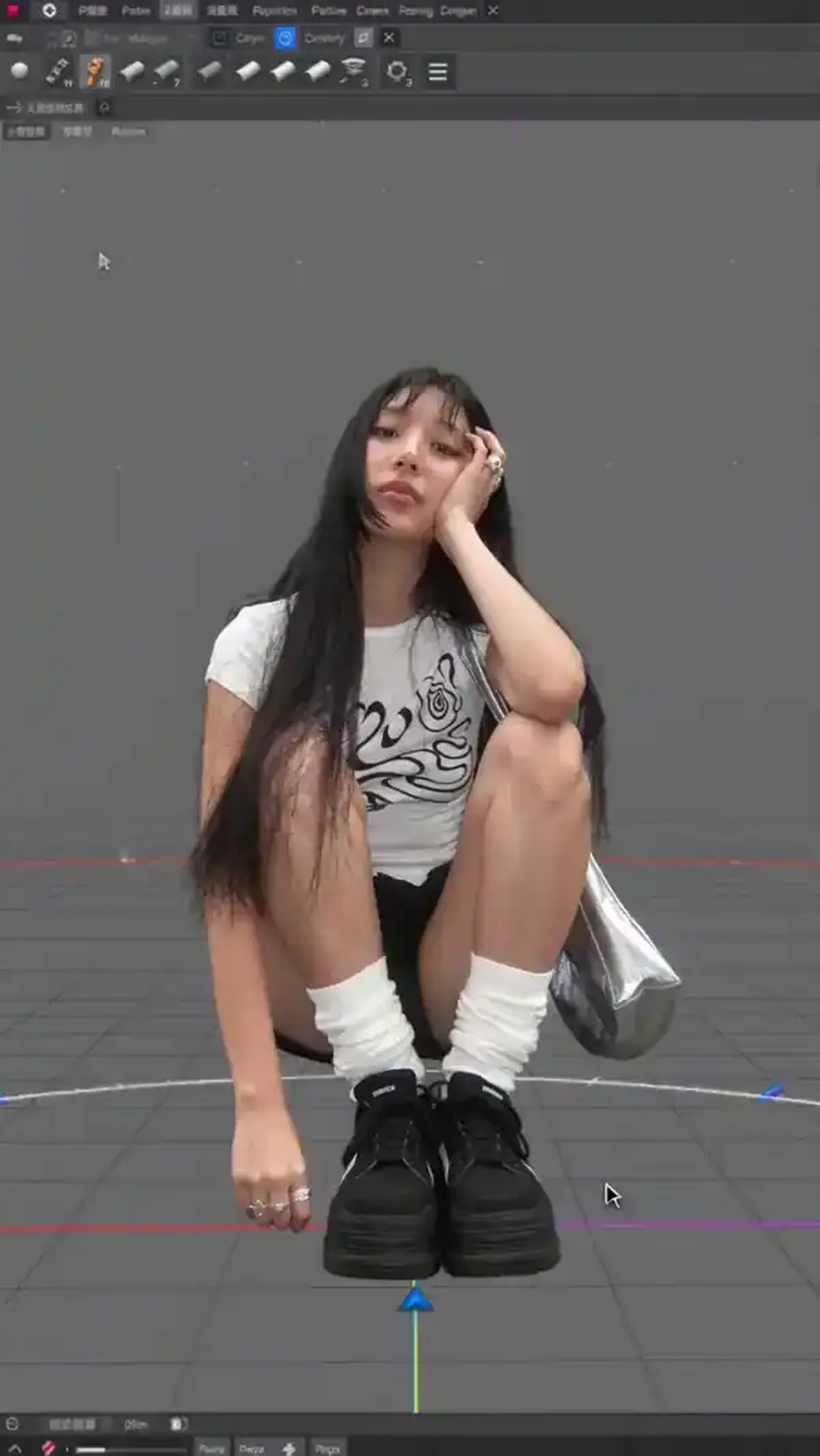
Official Higgsfield preview · 3D render
Clean 3D software reveal — camera orbiting a hyper-detailed character model, fast zooms, rotating lights, mouse clicks only.
Best for: Short visual hooks
Use this effect ↗Affiliate link · Select “3D render” in the official gallery. Source
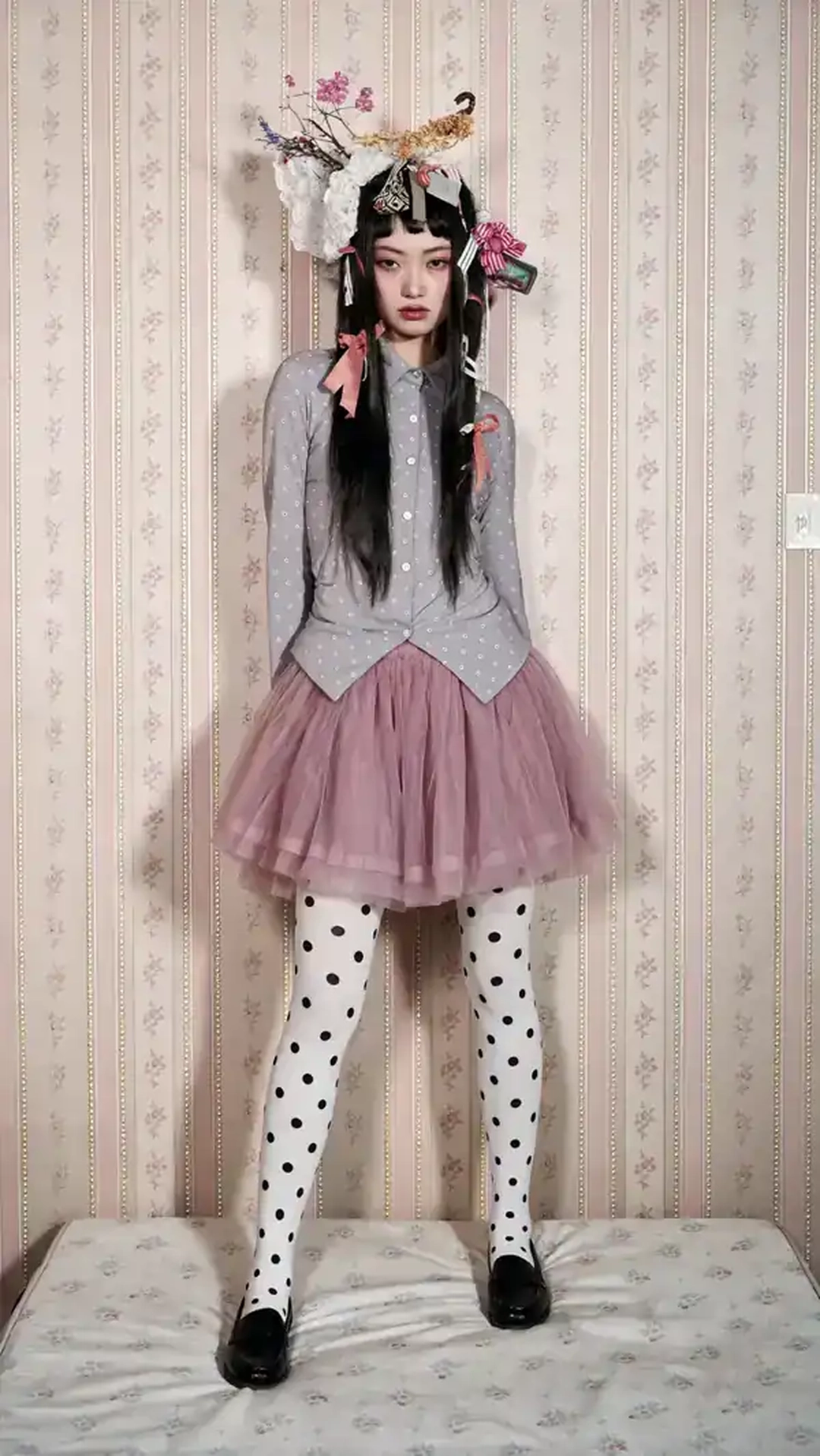
Official Higgsfield preview · Action figure
A hand lifts you out of the scene like a rigid plastic action figure and rotates you for a toy-review showcase — same pose, same expression, completely stiff.
Best for: Short visual hooks
Use this effect ↗Affiliate link · Select “Action figure” in the official gallery. Source
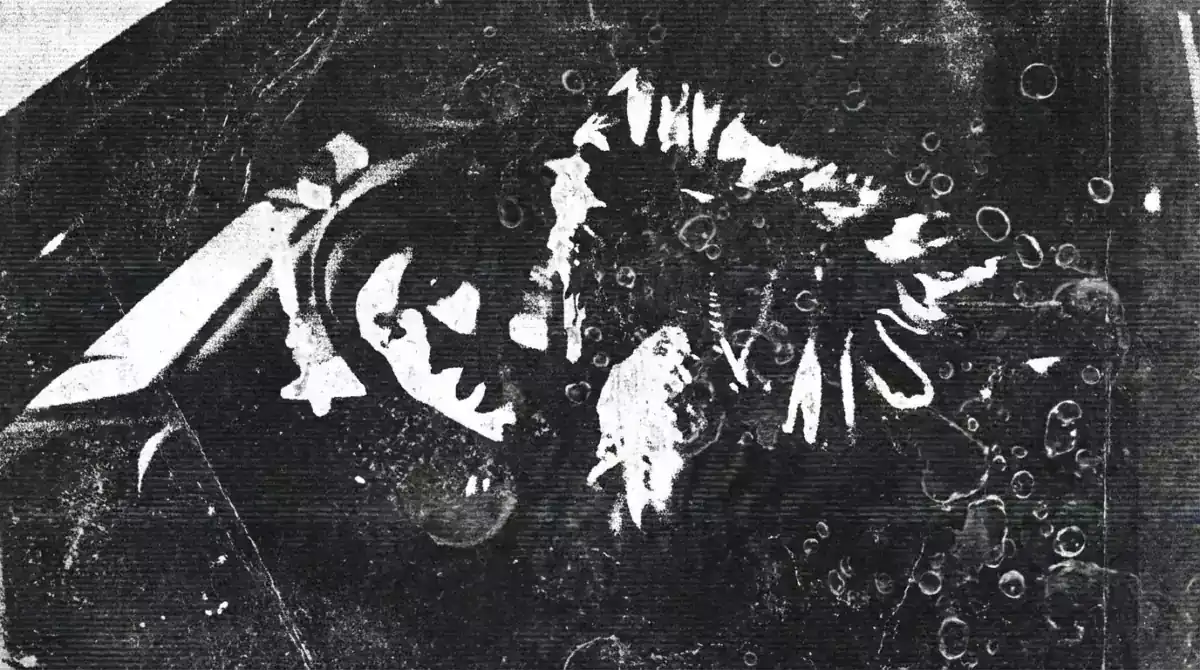
Official Higgsfield preview · Bubbles
Dreamy soap bubble texture
Best for: Short visual hooks
Use this effect ↗Affiliate link · Select “Bubbles” in the official gallery. Source
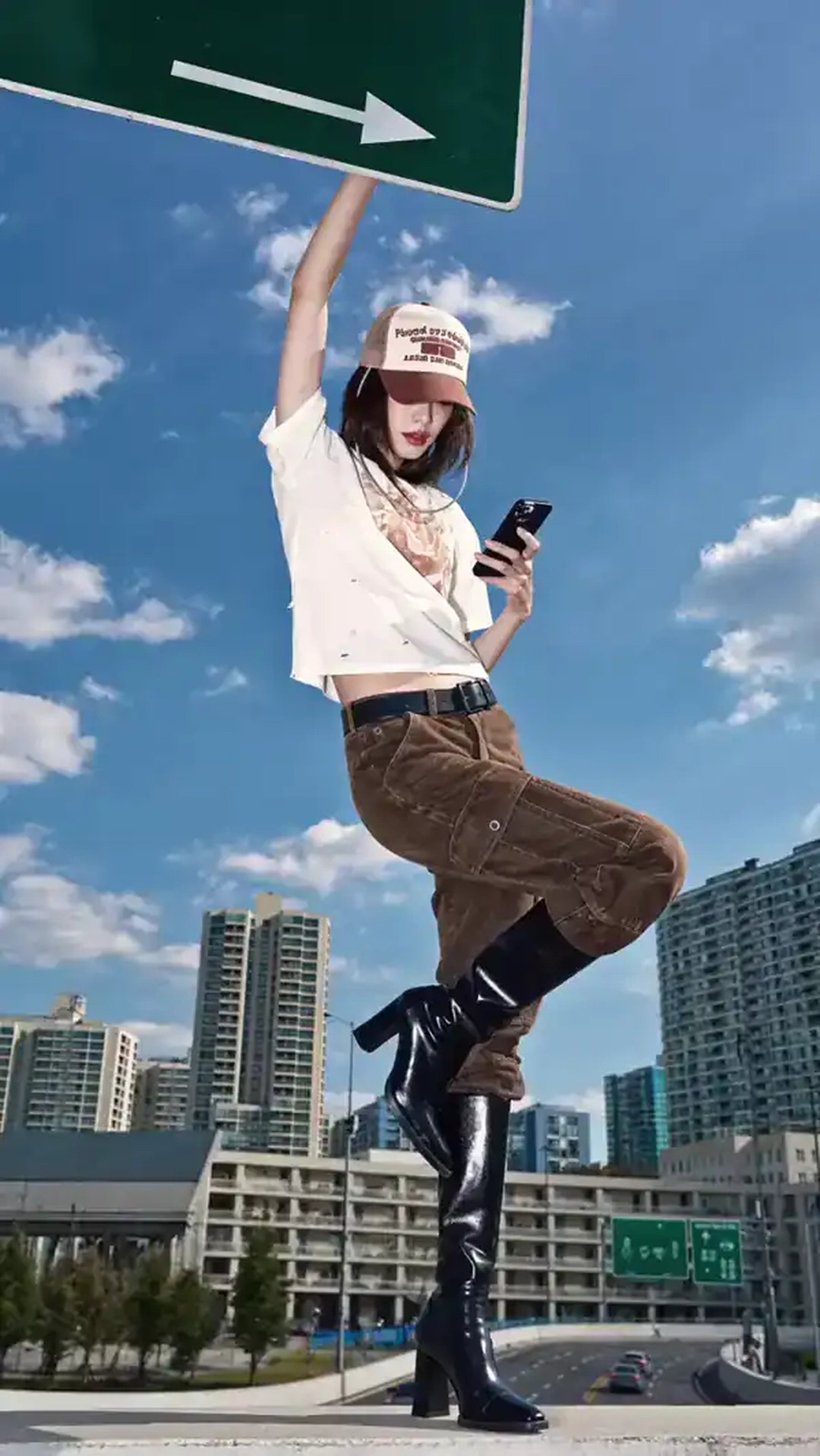
Official Higgsfield preview · Orbit 360
The camera circles around you in a smooth 360° motion, turning any photo into a cinematic video. Perfect for bold reveals, dynamic edits, and stylish transitions.
Best for: Short visual hooks
Use this effect ↗Affiliate link · Select “Orbit 360” in the official gallery. Source
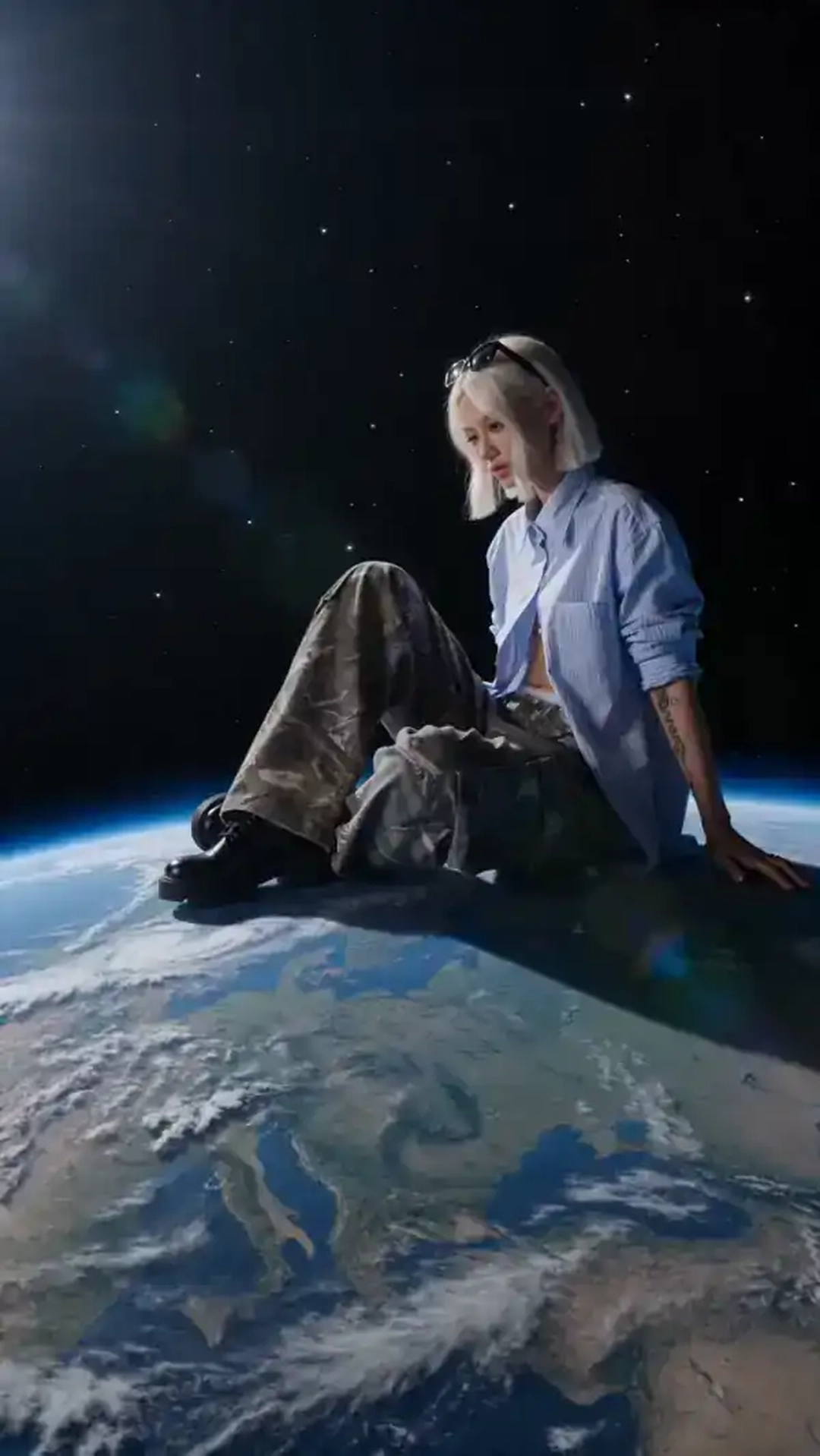
Official Higgsfield preview · Orbital presence
You become a cosmic giant, smoothing hurricanes with your fingertips before sitting on Earth beneath the stars. Perfect for surreal reveals, dreamlike edits, and cosmic transitions.
Best for: Short visual hooks
Use this effect ↗Affiliate link · Select “Orbital presence” in the official gallery. Source
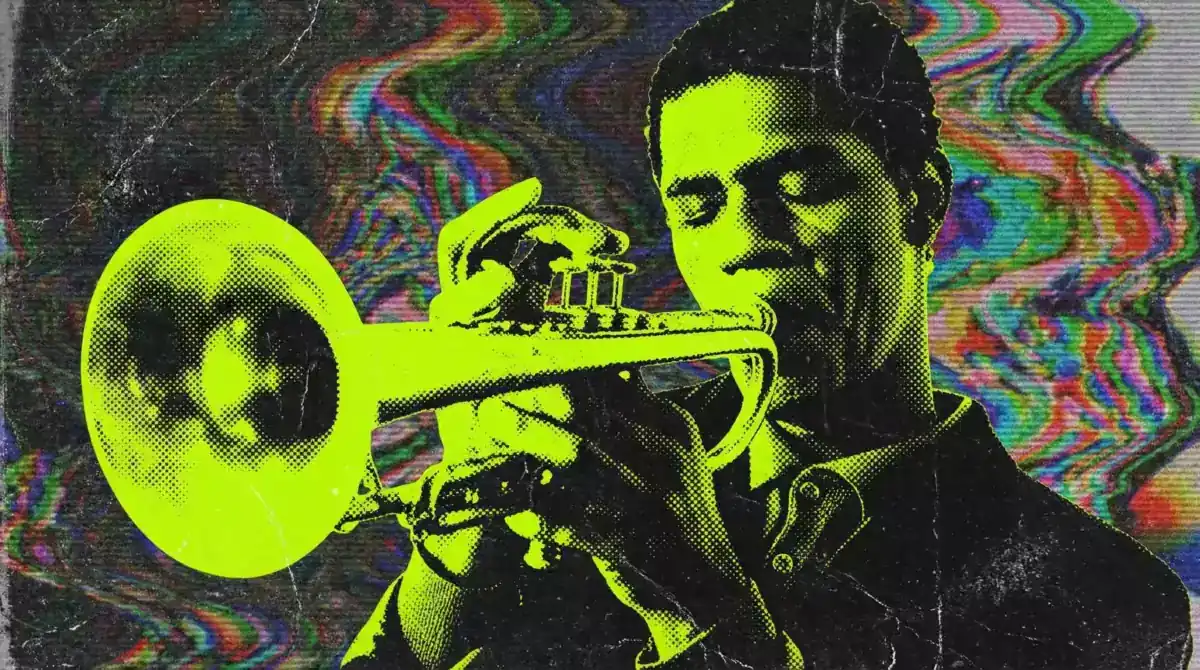
Official Higgsfield preview · Acid
Psychedelic neon color distortion
Best for: Short visual hooks
Use this effect ↗Affiliate link · Select “Acid” in the official gallery. Source
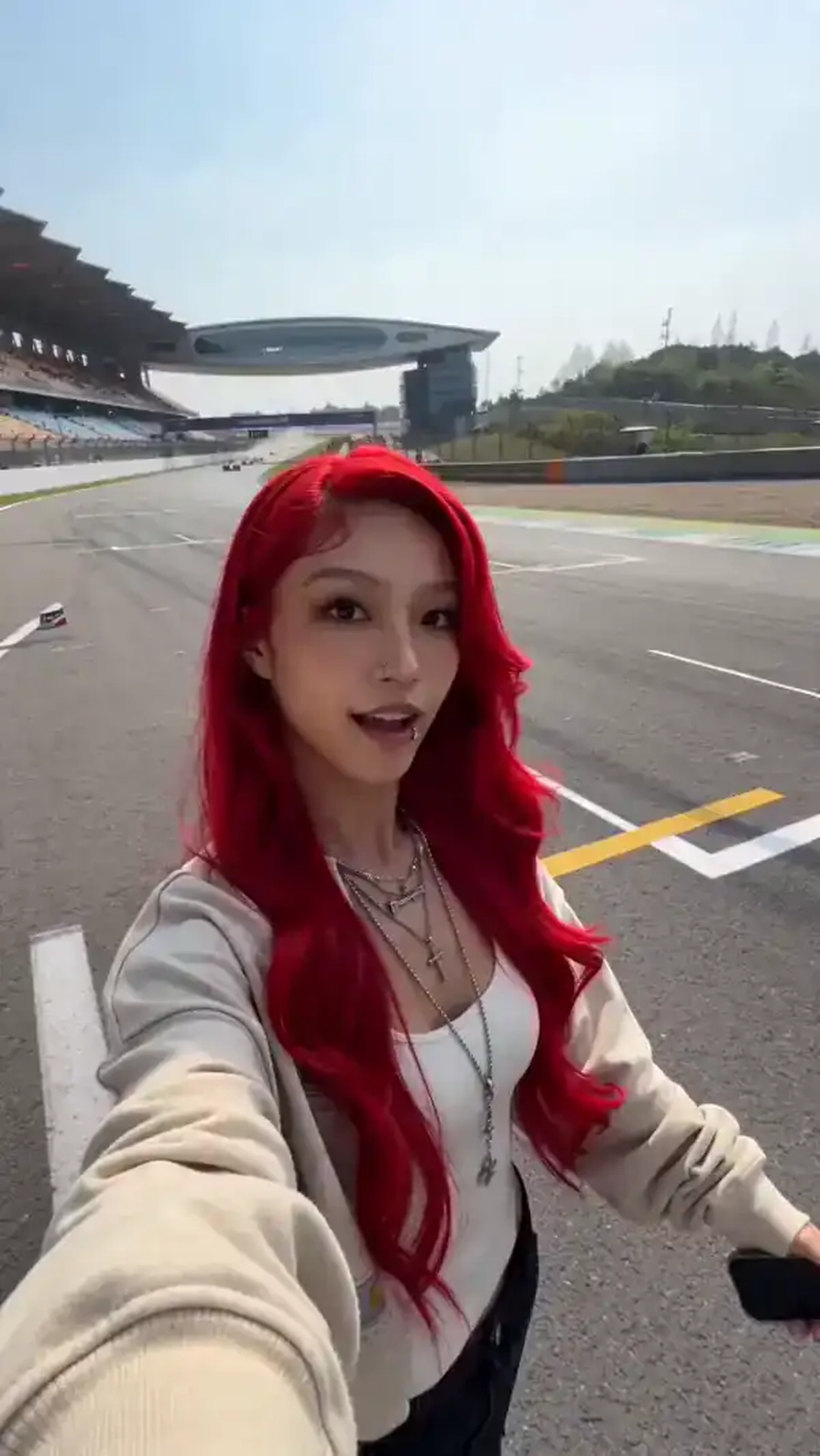
Official Higgsfield preview · Race track
Confident selfie walk on a sunlit race track while cars blast past at full speed — hair and clothes whipping violently from every shockwave, camera shaking, all smiles.
Best for: Short visual hooks
Use this effect ↗Affiliate link · Select “Race track” in the official gallery. Source
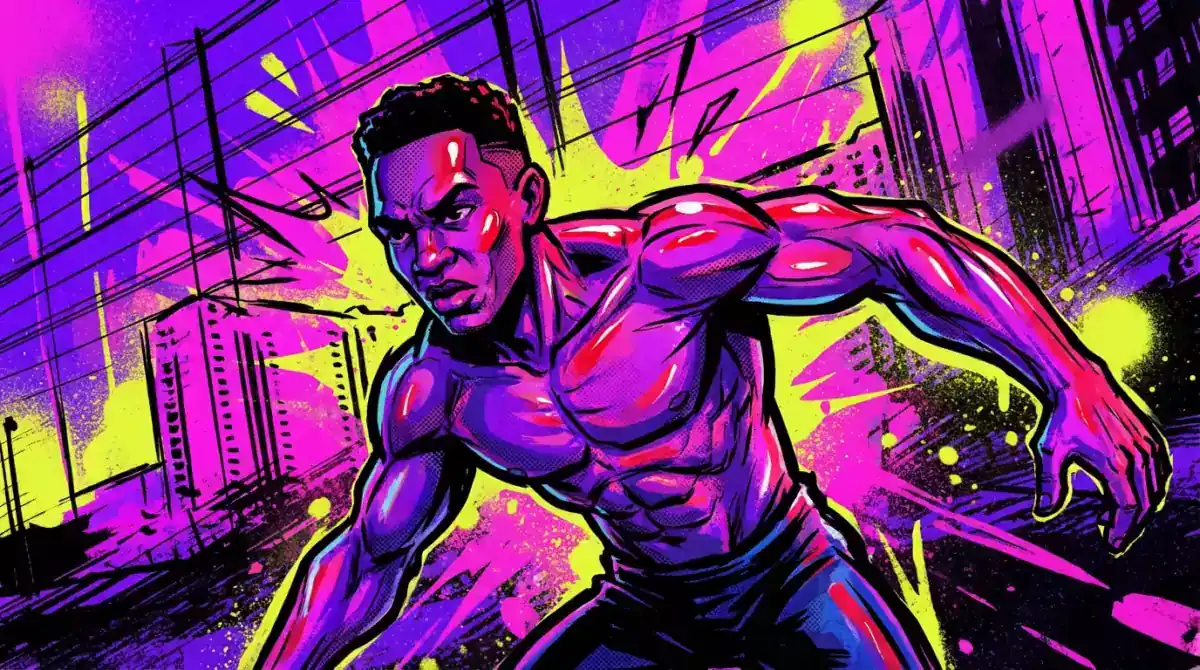
Official Higgsfield preview · Flash comic
High-energy comic visuals
Best for: Short visual hooks
Use this effect ↗Affiliate link · Select “Flash comic” in the official gallery. Source
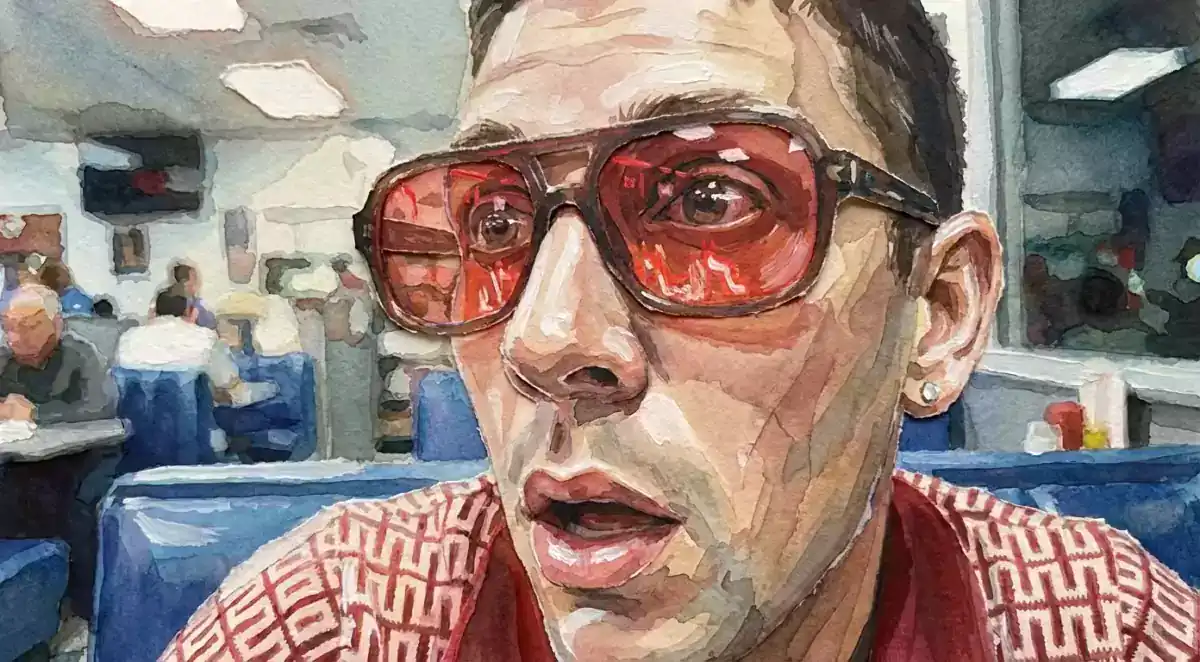
Official Higgsfield preview · Paper
Handcrafted paper texture
Best for: Short visual hooks
Use this effect ↗Affiliate link · Select “Paper” in the official gallery. Source
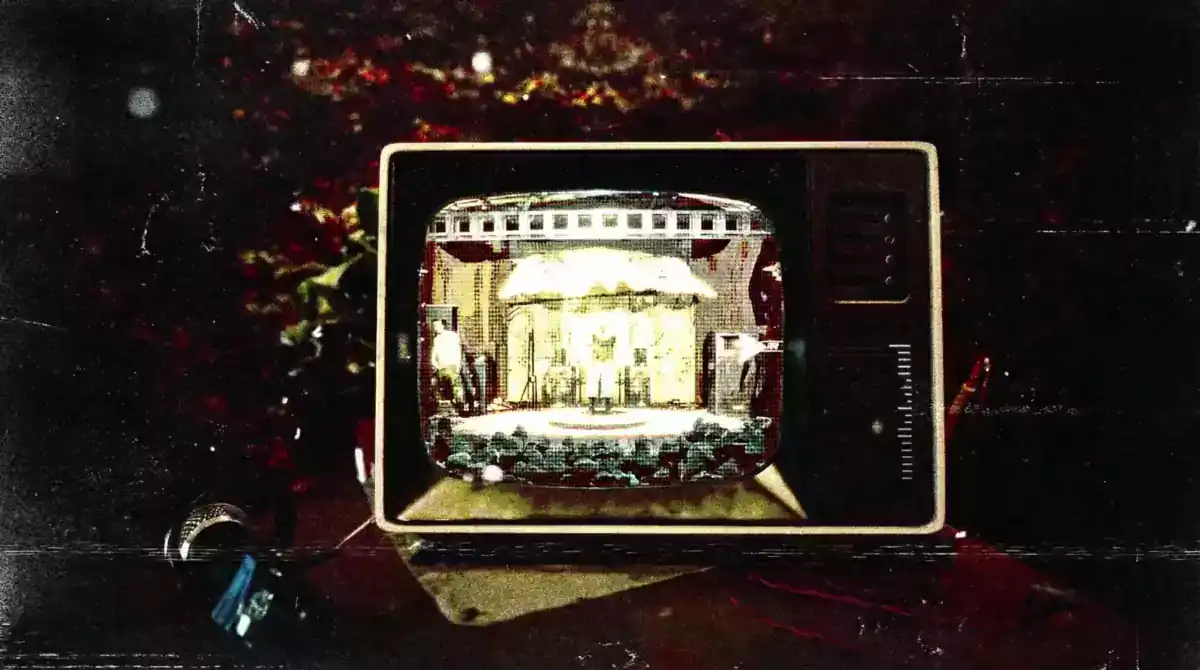
Official Higgsfield preview · Random Glow
random glow
Best for: Short visual hooks
Use this effect ↗Affiliate link · Select “Random Glow” in the official gallery. Source
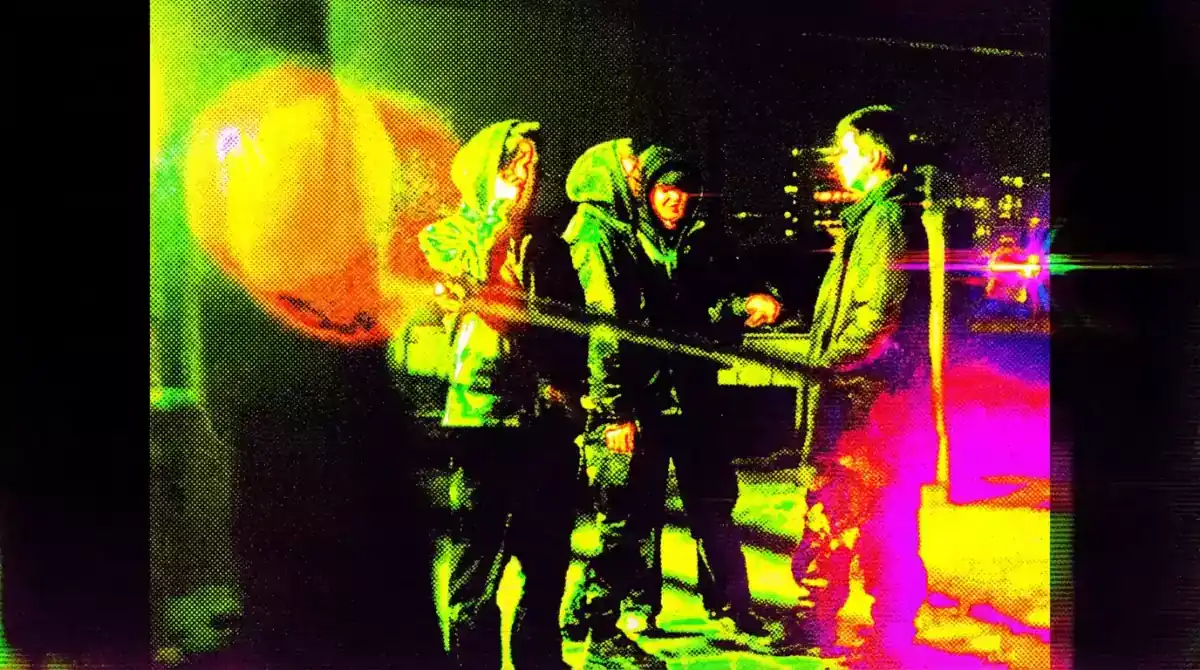
Official Higgsfield preview · Toxic
Radioactive neon color blast
Best for: Short visual hooks
Use this effect ↗Affiliate link · Select “Toxic” in the official gallery. Source
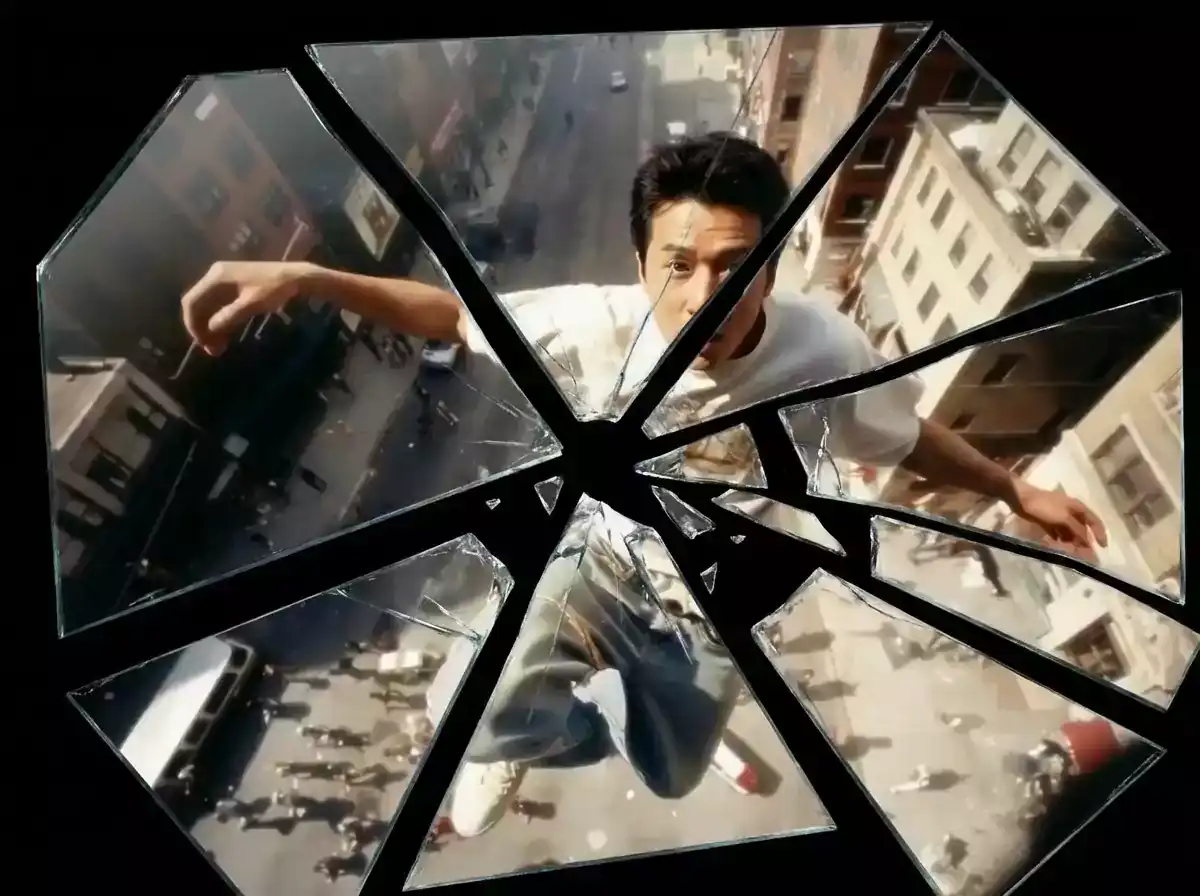
Official Higgsfield preview · Broken mirror
Broken glass reflection effect
Best for: Short visual hooks
Use this effect ↗Affiliate link · Select “Broken mirror” in the official gallery. Source
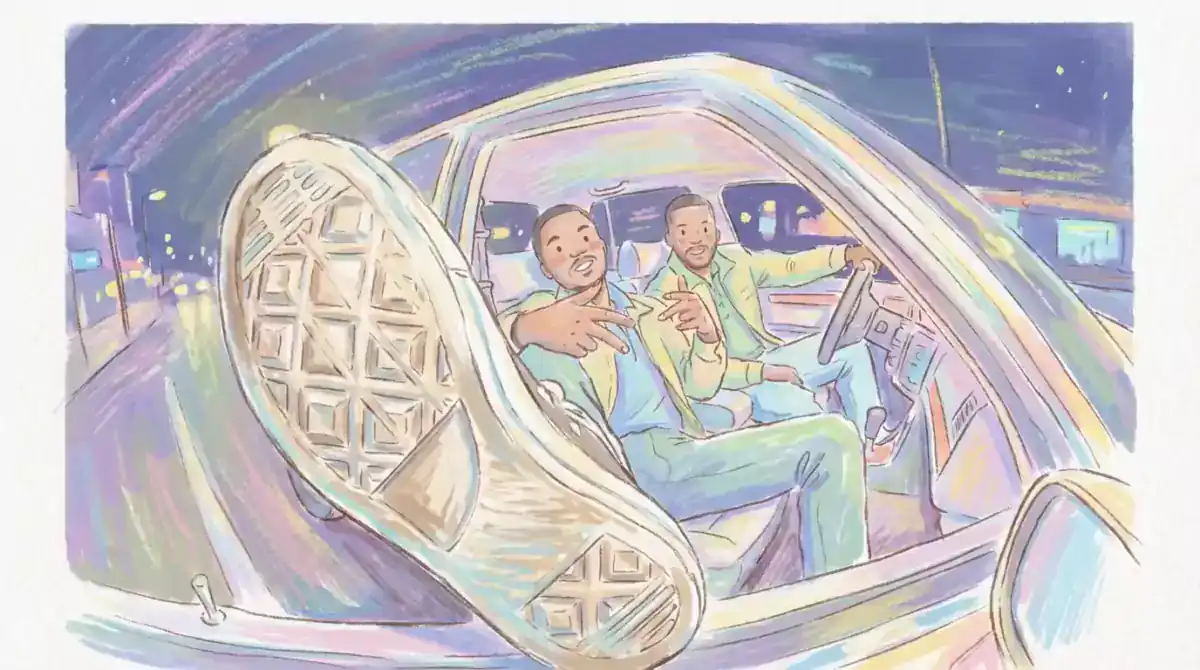
Official Higgsfield preview · Hand paint
Freeform hand-painted brushwork
Best for: Short visual hooks
Use this effect ↗Affiliate link · Select “Hand paint” in the official gallery. Source
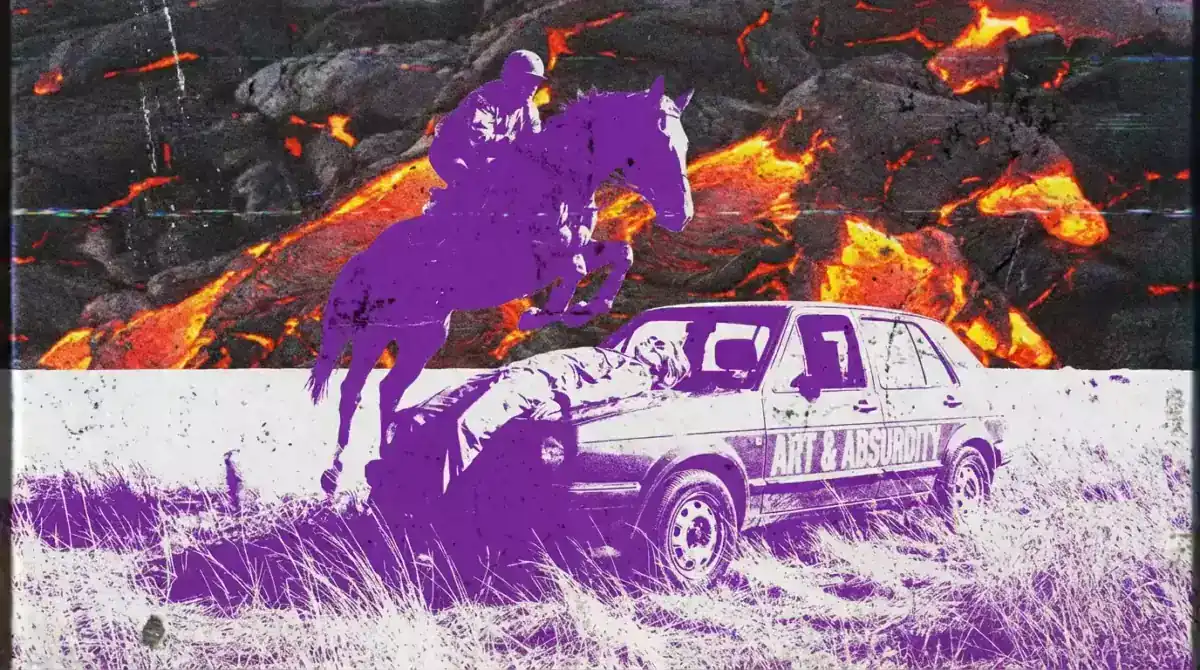
Official Higgsfield preview · Lava
Liquid lava color motion
Best for: Short visual hooks
Use this effect ↗Affiliate link · Select “Lava” in the official gallery. Source
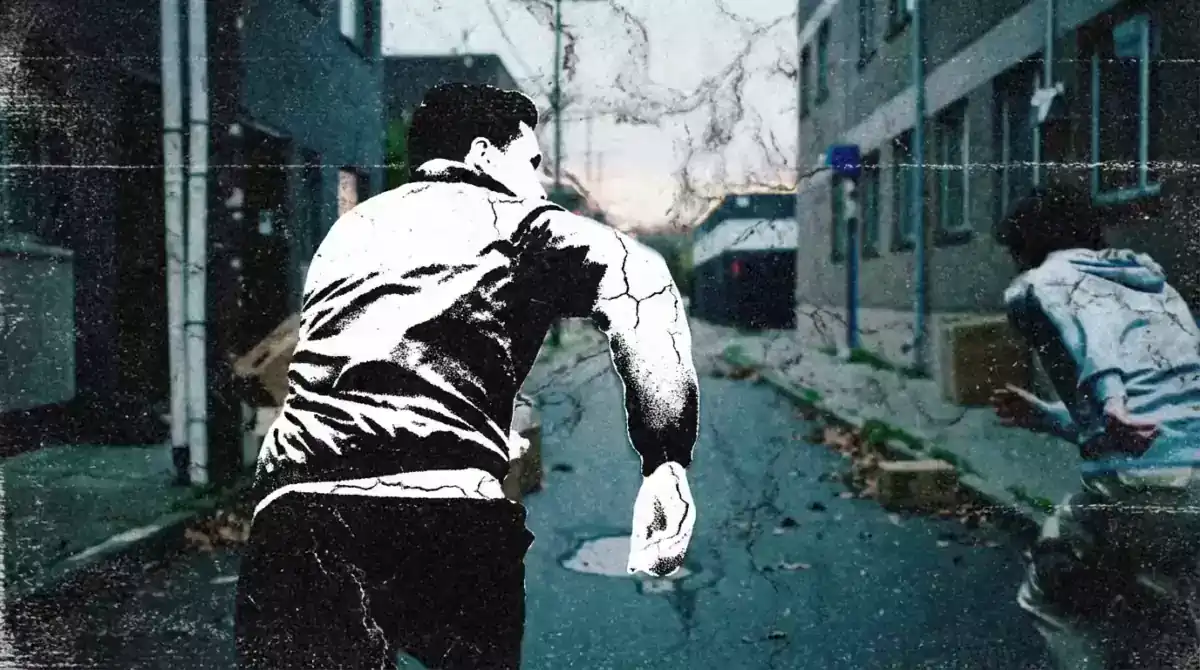
Official Higgsfield preview · Marble
Sculpted marble visual style
Best for: Short visual hooks
Use this effect ↗Affiliate link · Select “Marble” in the official gallery. Source

Official Higgsfield preview · Modern
Clean geometric minimalism
Best for: Short visual hooks
Use this effect ↗Affiliate link · Select “Modern” in the official gallery. Source
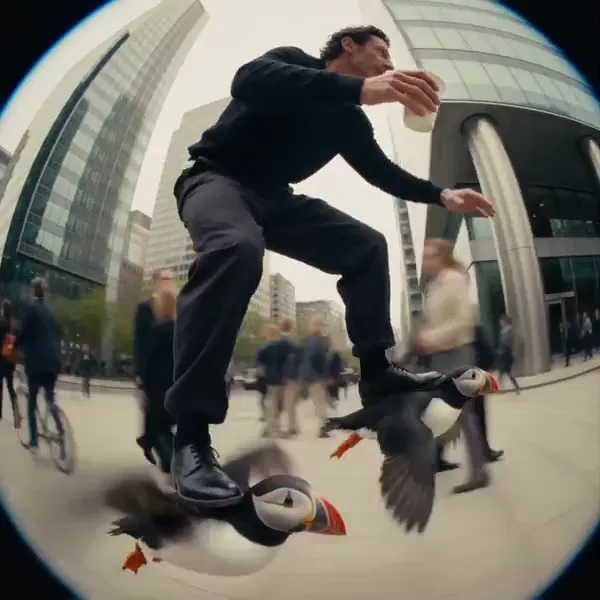
Official Higgsfield preview · Puffin ride
A rider glides through the city on puffins like roller skates, hovering two meters above the street. Absurd and hilarious—a trend-ready visual built to stop the scroll.
Best for: Short visual hooks
Use this effect ↗Affiliate link · Select “Puffin ride” in the official gallery. Source

Official Higgsfield preview · Origami
Crisp origami-style geometr
Best for: Short visual hooks
Use this effect ↗Affiliate link · Select “Origami” in the official gallery. Source

Official Higgsfield preview · Two color
High-contrast two-tone style
Best for: Short visual hooks
Use this effect ↗Affiliate link · Select “Two color” in the official gallery. Source
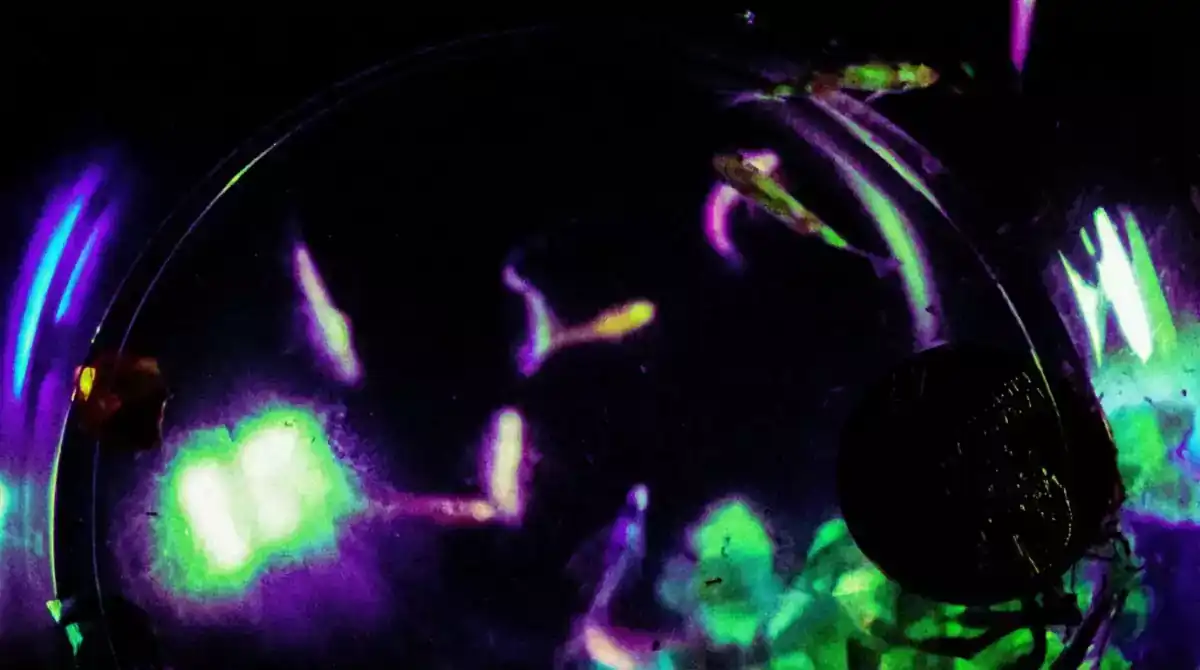
Official Higgsfield preview · Ultraviolet
Neon ultraviolet glow effect
Best for: Short visual hooks
Use this effect ↗Affiliate link · Select “Ultraviolet” in the official gallery. Source

Official Higgsfield preview · Vintage
Hand-inked illustrated style
Best for: Short visual hooks
Use this effect ↗Affiliate link · Select “Vintage” in the official gallery. Source
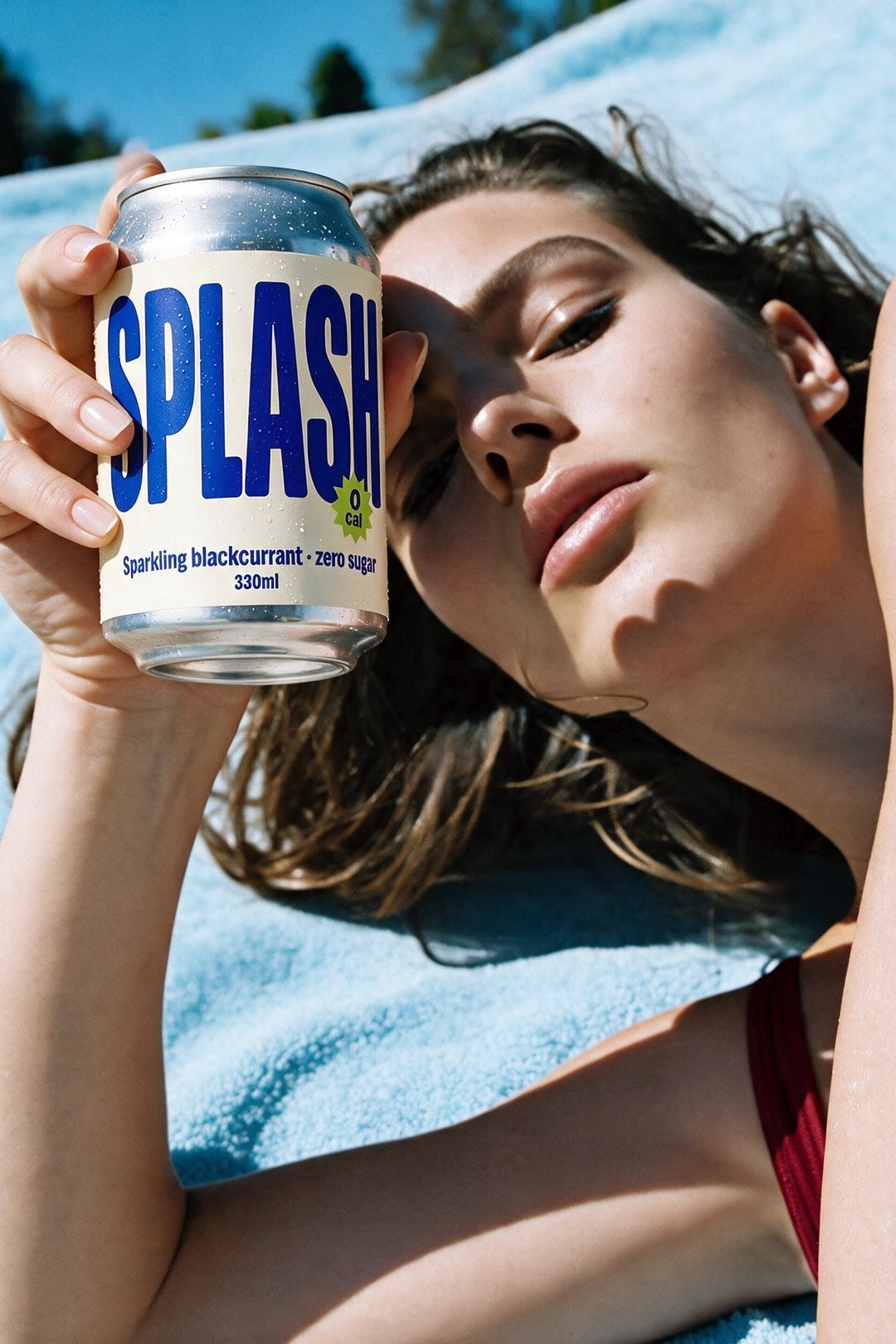
Official Higgsfield preview · Chilled Can
A chilled can presented in a lifestyle product photograph.
Best for: Product campaigns and creative variations
Use this effect ↗Affiliate link · Select “Chilled Can” in the official gallery. Source
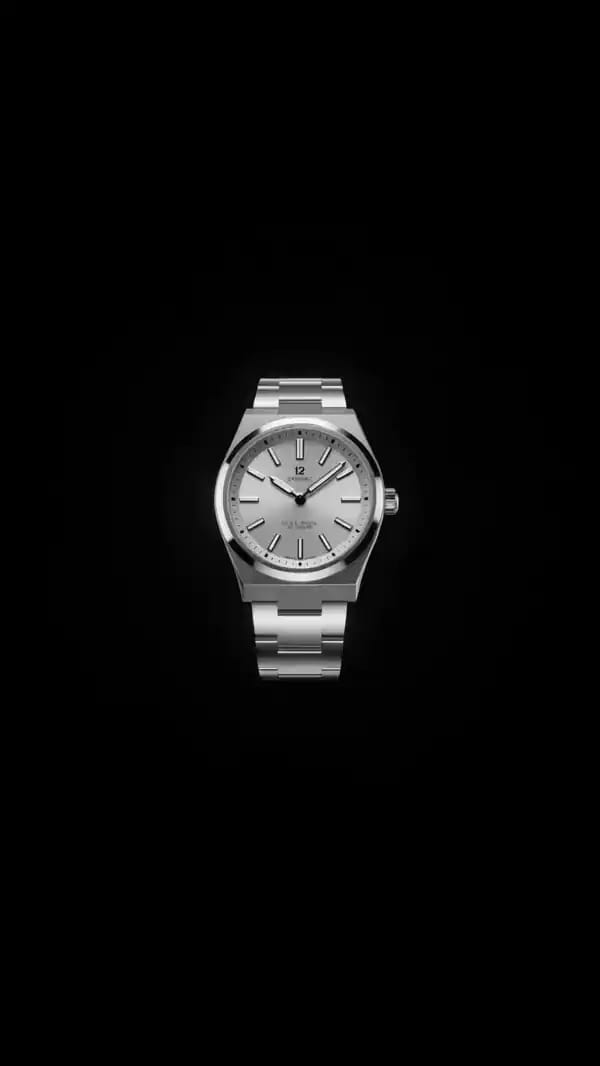
Official Higgsfield preview · Monospace Callouts
Animated product callouts in a monospace graphic treatment.
Best for: Product campaigns and creative variations
Use this effect ↗Affiliate link · Select “Monospace Callouts” in the official gallery. Source
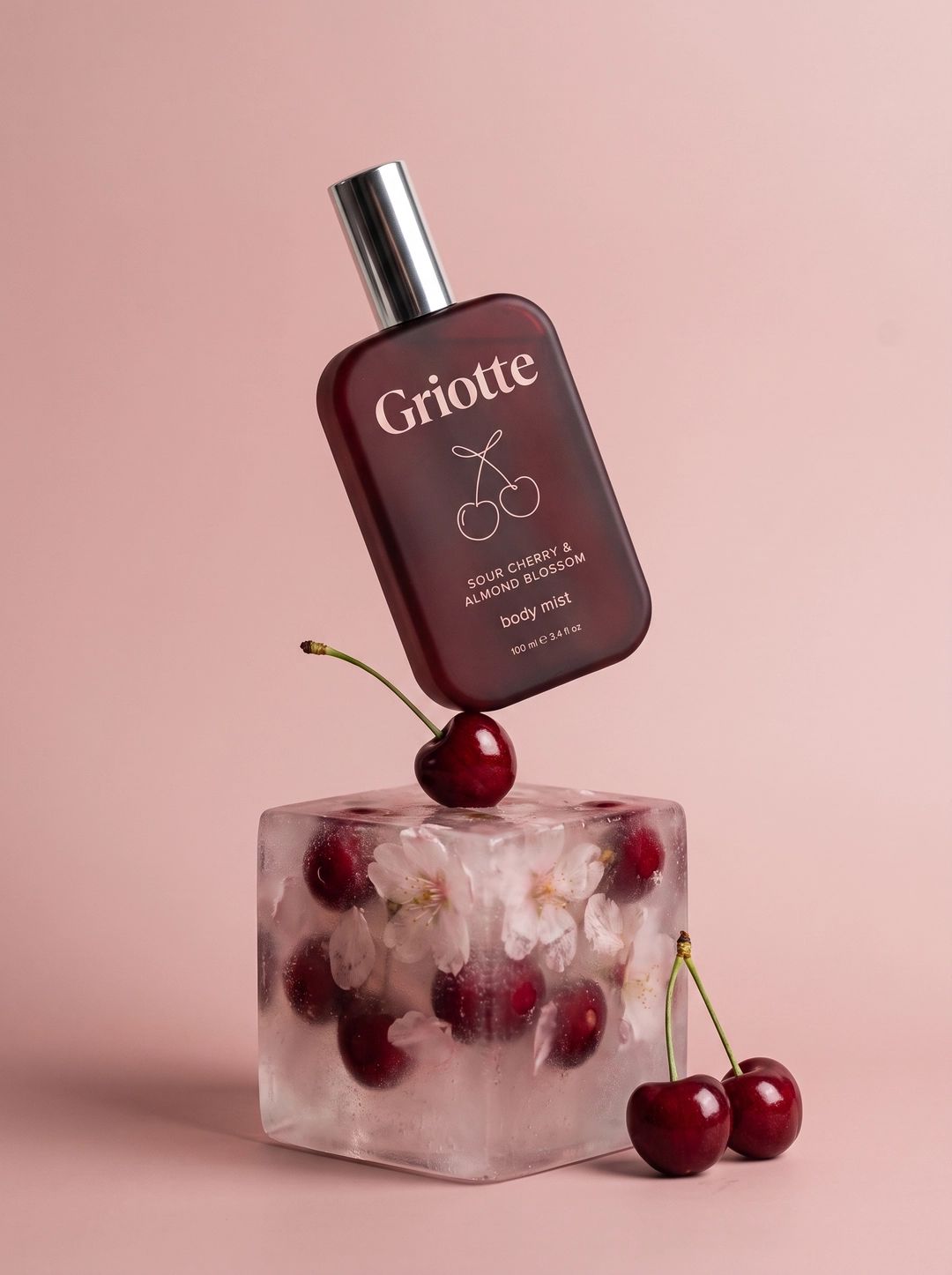
Official Higgsfield preview · Ice Cube Hover
A floating product shot with ice-cube styling.
Best for: Product campaigns and creative variations
Use this effect ↗Affiliate link · Select “Ice Cube Hover” in the official gallery. Source
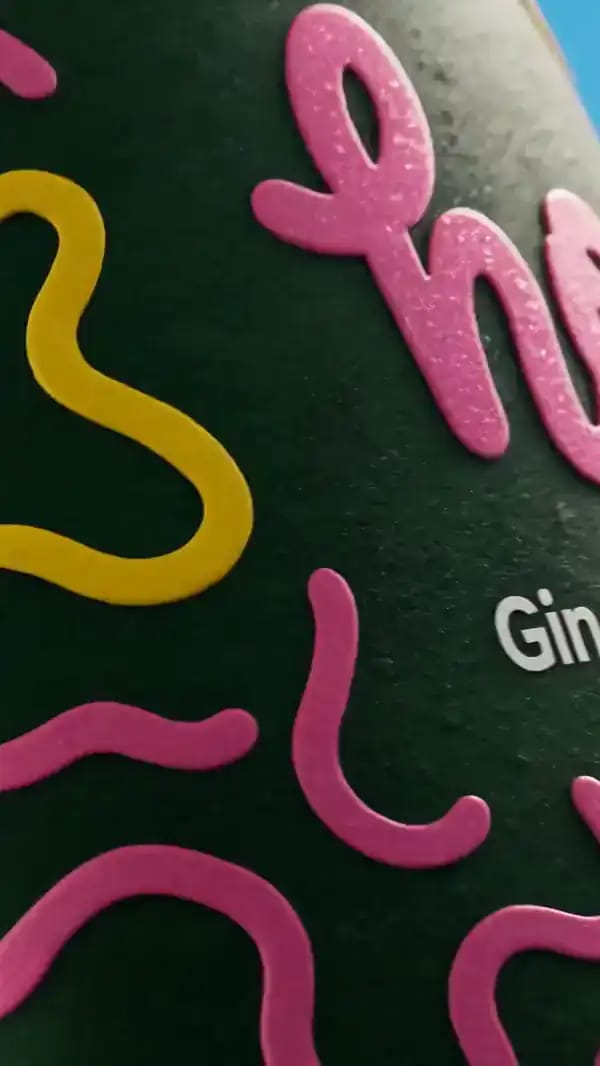
Official Higgsfield preview · Pixel Block Yard
A product scene reworked with pixel-block mixed media.
Best for: Product campaigns and creative variations
Use this effect ↗Affiliate link · Select “Pixel Block Yard” in the official gallery. Source
Logged-out browser; regional prices and promotions vary
Verify the current model, variant and credit estimate before generating.
Affiliate link: we may earn a commission if you subscribe. Your model choice comes first. How links work